
 Need help?
Do you have a question about the 4pos POS-400 Expander II and is the answer not in the manual?
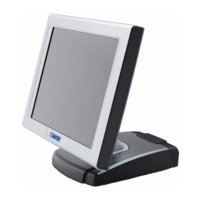
Key features of the POS-400 Expander II system.
Technical specifications for the POS-400 Expander II.
Identification and layout of connectors on the rear panel.
Safety precautions for handling and installing hardware components.
Instructions for clearing the CMOS memory via jumper JP1.
Guide for safely removing and replacing the SATA hard disk drive.
Visual map of jumper and connector locations on the PEB-973A main board.
Detailed pin assignments for the system's connectors.
Explanation of jumper settings for various functions like CMOS clearing.
Step-by-step guide for installing Intel chipset drivers.
Procedure for installing Intel graphics drivers.
 General
| Brand | 4pos |
|---|---|
| Model | POS-400 Expander II |
| Category | Touch terminals |
| Language | English |

 To Next Page