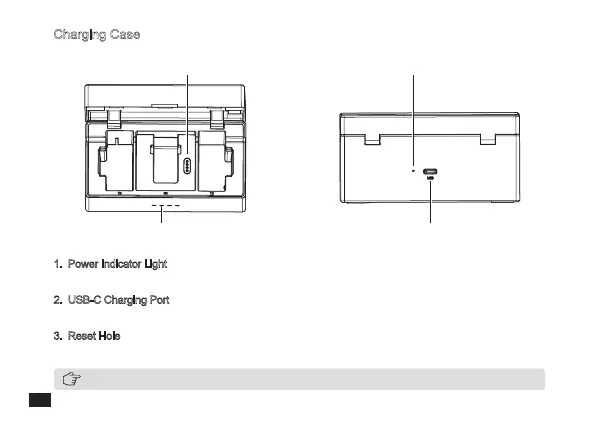
Charging Case
Power Indicator Light USB-C Charging Port
Charging Pad Reset Hole
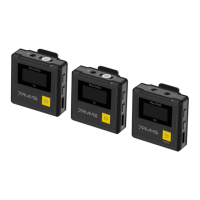
With the charging case opened, the receiver displays the battery level of the receiver and transmitters
1. Power Indicator Light
There are four power indicator lights, each of which represents 25% of the power
2. USB-C Charging Port
Connect the charging case with the power supply via a USB-C charging cable
3. Reset Hole
If the device cannot be charged, insert the reset pin into the reset hole to reset it
8



 To Next Page