5
Bluetooth Wireless Connection Tips
•MakesuretheBluetoothcapabilityofyourdeviceisturnedon.
•Makesurethere’snothingpluggedintothespeaker’sAUX
IN jack when you’re trying to use Bluetooth.
•TheBluetoothwirelessconnectionworksuptoarangeof
roughly 33 feet (10 meters). This range may vary, however,
based on other factors, such as room layout, wall material,
obstacles, your device’s Bluetooth performance, etc. If you’re
having problems connecting to this speaker, move closer to it.
•Ifyourdeviceasksyouforapasswordtoconnect,use“0000”.
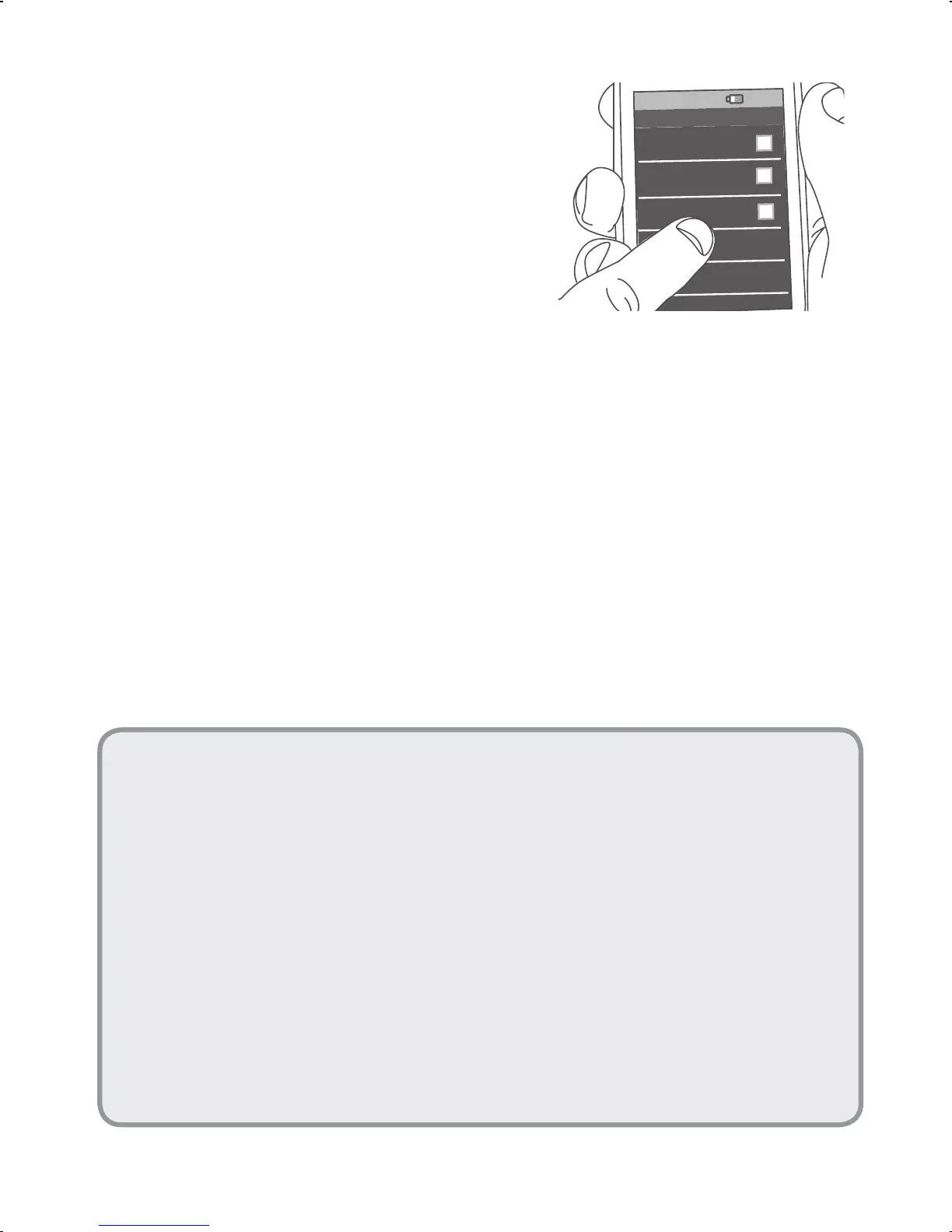
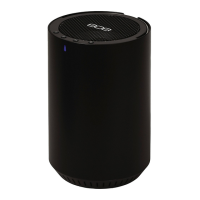
Choose 808 Hex SL from
the pairing options on
your smartphone. (If it’s
not in the list, choose
“Scan”fromyourphone’s
Bluetooth menu.)
Headset
808 Hex SL
Computer
8:45PM
Bluetooth devices
The speaker gives an audio signal when
it’s finished pairing and connecting to your
smartphone. The indicator light on the front of
the speaker turns solid blue.
Note: The process of enabling Bluetooth and connecting
varies from device to device. See your device’s owners manual
for more information and specific instructions.


 To Next Page