EasyManua.ls Logo

808 HEXTL - Step 5: Play Music

808 HEXTL
12 pages
Print Icon
To Next Page IconTo Next Page
To Previous Page IconTo Previous Page
Loading...
6
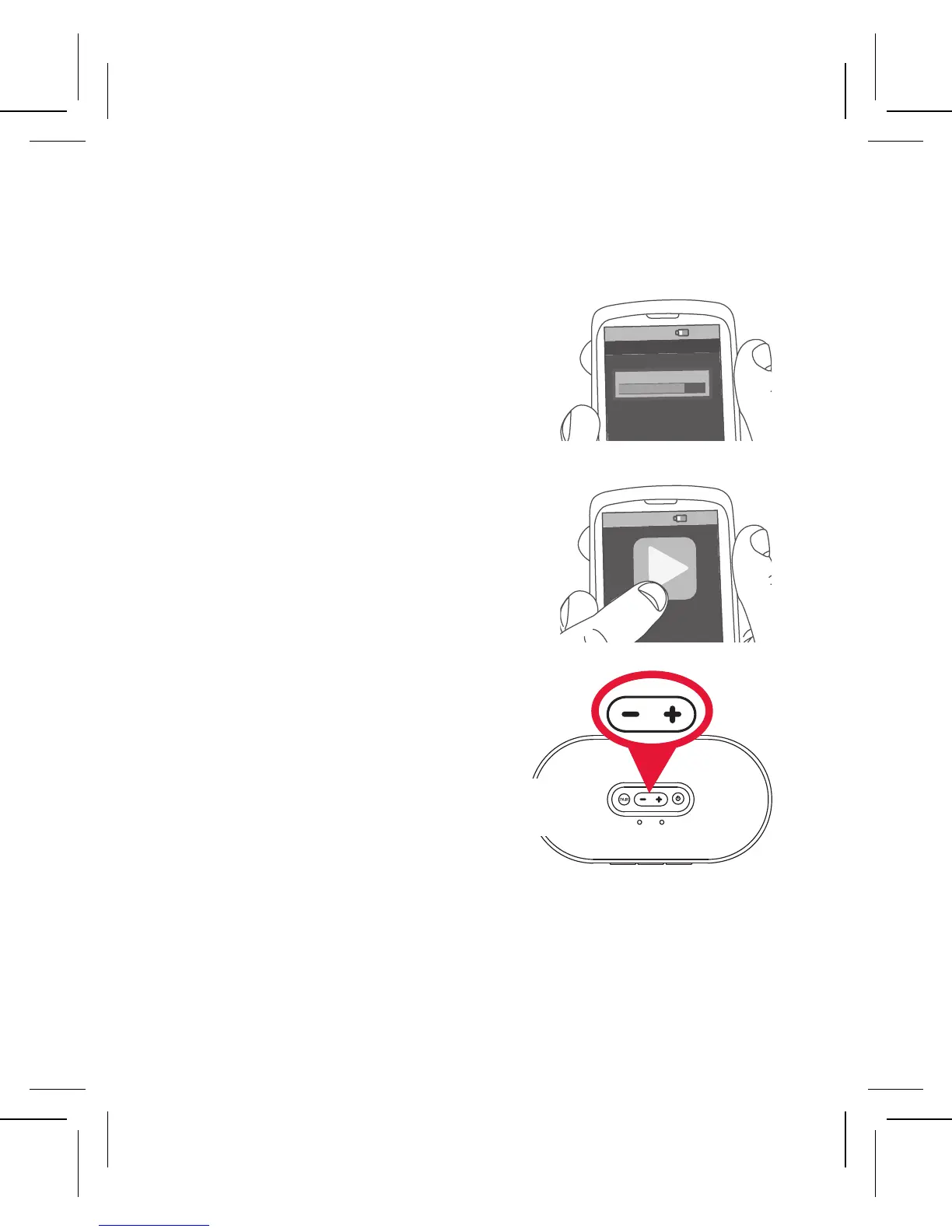
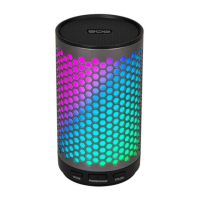
To adjust the volume of
your audio: Use the
and + buttons on top of
the speaker. You can also
use the volume controls
on your phone.
Set your devices volume
for music to 75%.
Note: This is to make sure the
sound from the speaker isn’t too
loud when you start streaming.
Start playing music or
other audio on your
device. Within seconds,
the speaker starts
streaming the audio
wirelessly via Bluetooth.
Step 5: Play music
8:45PM
Now playing
Media volume
8:45PM
BATTERY STATUS
BATTERY STATUS
Speaker
top
Notes: When you reach the speaker’s maximum volume, the
STATUS indicator blinks when you press the
+ button. If you
notice sound distorting even at low volumes, turn the volume
down on your phone.

Related product manuals