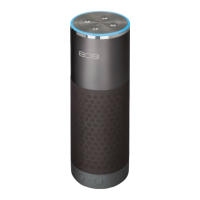
Use a 3.5mm audio cable (not
included) to connect the audio
output from your device to
the AUX IN audio input on the
speaker’s back panel.
The speaker automatically
switches to the AUX IN audio, and
the indicator light on the front of
the speaker turns solid white.
Using the Aux In input
Press the + and –buttons on the top of the speaker (or use
the volume controls on your phone).
Set your device’s volume for music
to 50%.
Note: This is to make sure the sound from the
speaker isn’t too loud when you start streaming.
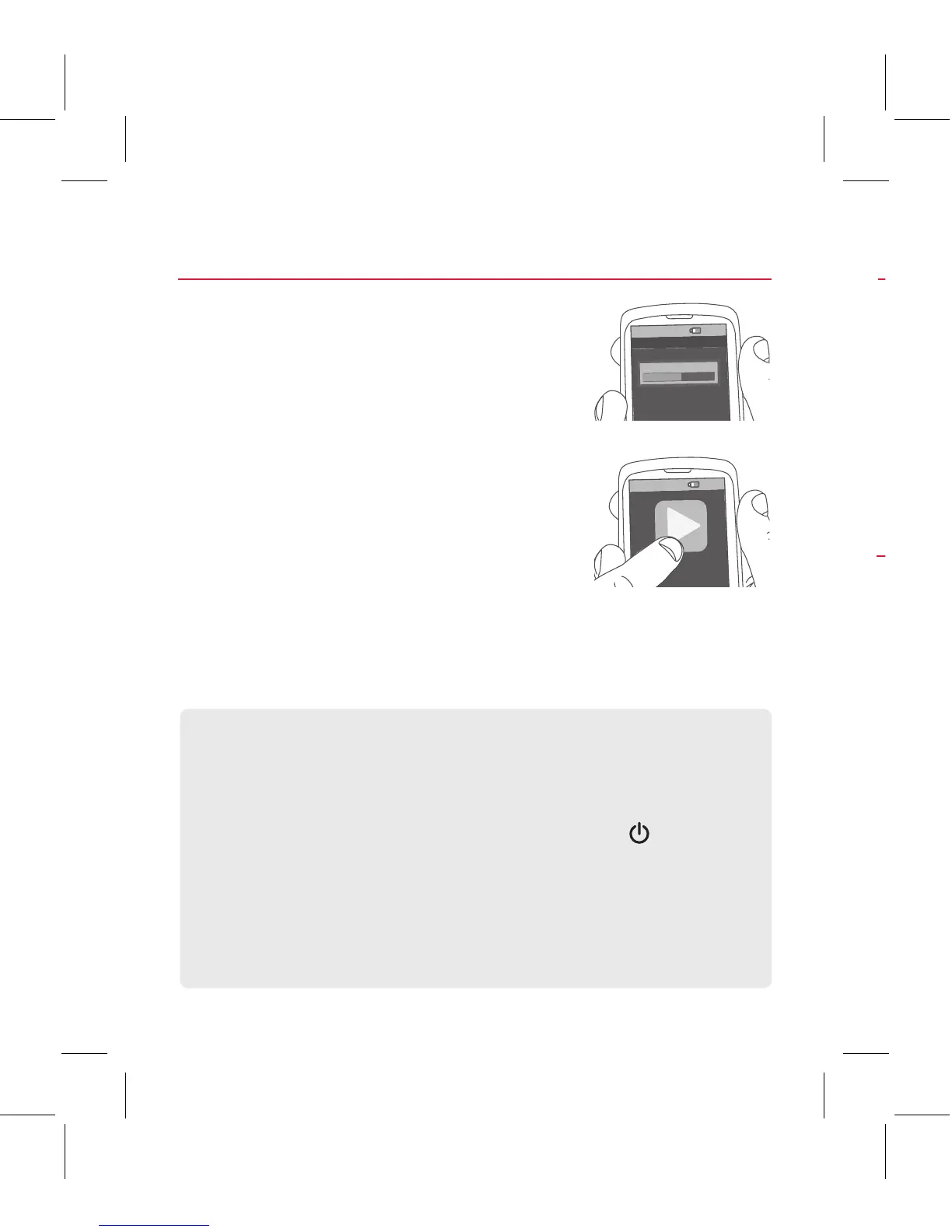
Start playing music or other audio
on your device. Within seconds, the
speaker starts streaming the audio
wirelessly via Bluetooth.
To adjust the volume of your audio:
Step 5: Play music
8:45PM
Now playing
Media volume
8:45PM
Using Bass Boost
The Hex TLS speaker has a Bass Boost feature that
enhances the lower frequencies in your music. Bass Boost
is turned on by default. Press the button on the top of
the speaker to toggle Bass Boost on and o.
To listen to Bluetooth audio again, unplug the cable from
the speaker’s AUX IN jack. The speaker will try to reconnect
to the last Bluetooth device.
Controlling Playback from the TLS
If you’re playing music via Bluetooth, it’s easy to play/
pause and skip tracks from the speaker.
To play/pause: press once on the speaker’s
button.
To skip forward: press and hold the speaker’s + button.
To skip backwards: press and hold the speaker’s –
button.


 To Next Page
 Loading...