8
Tour of the speaker
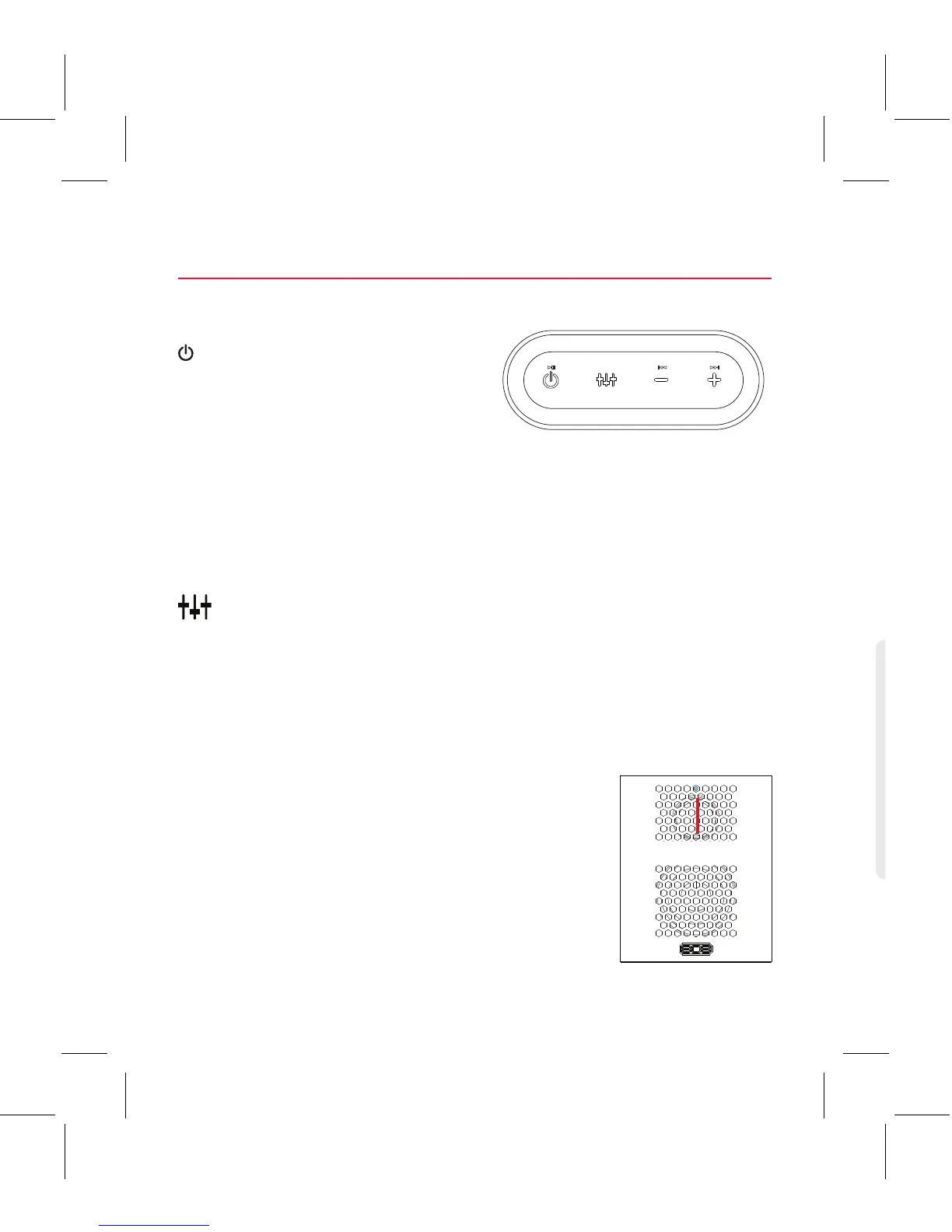
Top
• it puts the speaker into pairing mode (short double-press when
the speaker’s on) to connect to a new Bluetooth device
• it attempts to reconnect to the last paired device (short single-
press when the speaker’s on)
• it plays/pauses playback when audio is playing via Bluetooth
button switches between bass boost and regular equalization.
– / + decrease or increase the volume of the speaker’s audio. They
also skip forward or backward (press and hold) when audio is
playing via Bluetooth.
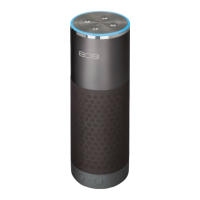
Front
Indicator light shows the Bluetooth status of
the speaker:
• fast blinking blue while pairing
• slow blinking blue while reconnecting
• solid blue when paired
• solid white when the AUX IN jack is in use
• o when the speaker’s o.
Back
AUX IN jack lets you connect
an audio device directly to the
speaker using a 3.5mm audio
cable.
CHARGING indicator shows the charging status of the speaker:
• solid red while charging
• green when fully charged
DC IN jack connects to the provided micro USB charging cable to
recharge the speaker’s battery.



 To Next Page