5 (16)4 (16)
(3) Press the transmitter button to send a signal to the receiver. Once pairing (ringtone tone)
has succeeded, the receiver plays the selected ringtone automatically.
Comments:
(1) Pairing mode closes automatically after pairing is complete.
(2) Pairing mode lasts for 5 seconds.
4. Pairing of two or more transmitters:
Pairing mode can be used only for one transmitter at a time. For two or more transmitters,
follow the pairing steps (1) to (3) again to pair several transmitters, one by one.
5. Resetting: Press the forward button for 5 seconds to reset the default settings on the
receiver. When the receiver sounds ding-dong and the light flashes, the reset is complete
and the default settings apply: It returns to the 1st music selection and no transmitter is
paired with the receiver.
EN
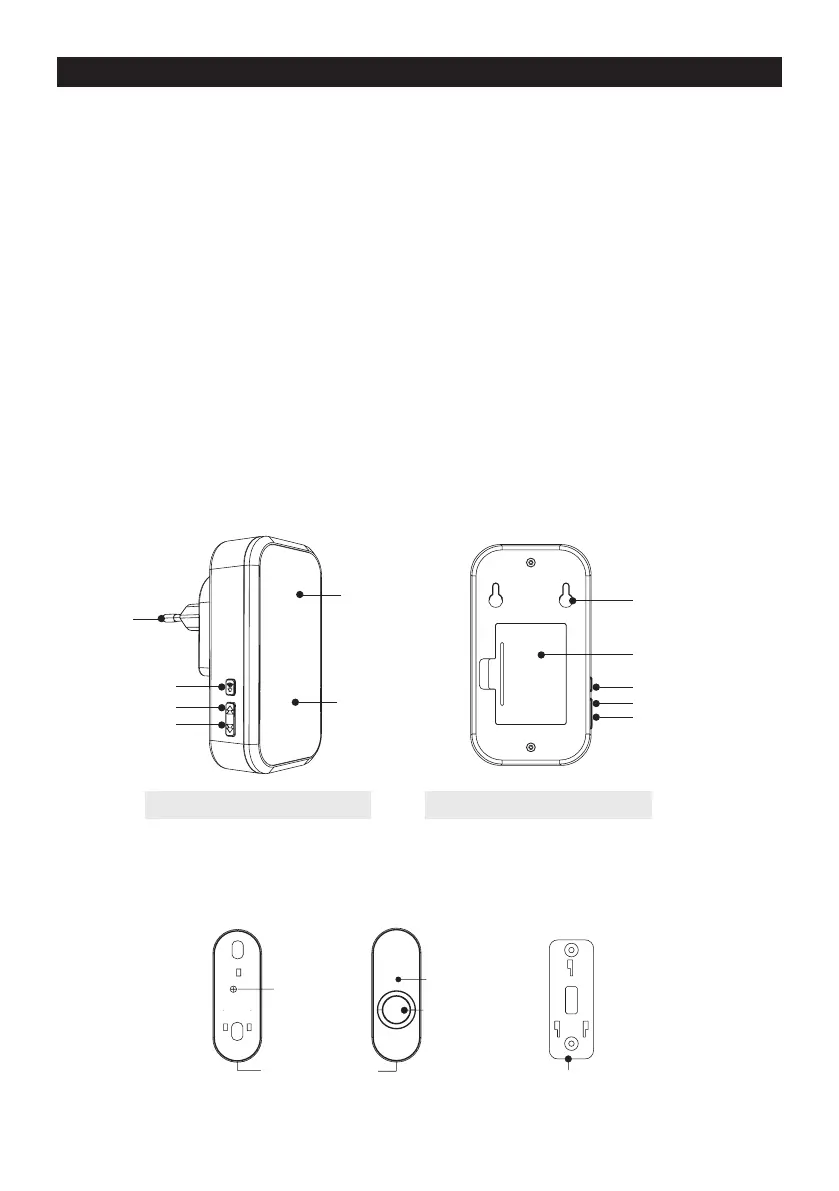
Parts of the receiver
Parts of the transmitter
Volume control
Volume control
AC connector
LED Indicator
Speaker
Battery box
Battery-powered receiverMains powered receiver
Holes for wall mounting
Back button
Back button
Forward button
Forward button
Button
Screw
LED Indicator
Open from here
Wall bracket


 To Next Page
 Loading...