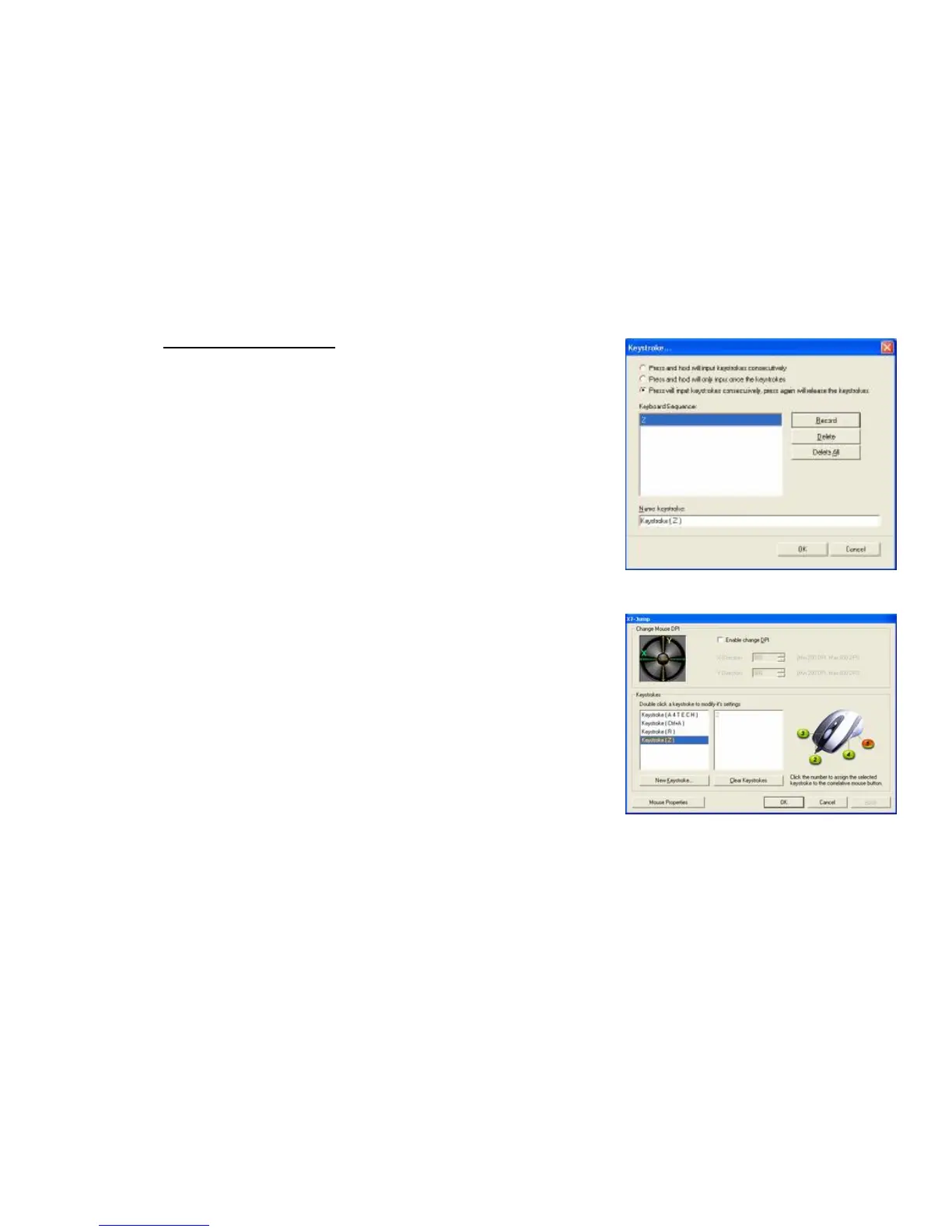
Example 4: Select 3
rd
Radio Button
1. Click on “Record”
2. Press “Z the Keyboard (Image G)
3. Click “Stop” to stop recording >> then click “OK”
4. It will bring you back to previous page (Image F)
5. Now click on “Keystroke(Z)”, the one you just created
6. Select the Mouse Button (green icon) on the Mouse Image to your right to
store the “Keystroke(Z)”.
7. Green icon will turn red once it’s been selected. (Image H)
8. Click “OK”
We have stored it in Mouse Button # 5.
Let’s try it
l Press and hold your mouse button # 5.
In BF2(A Stratagem Game) , “Keystroke (Z)” means to hunker down
Did you see yourself stayed hunker down unless you don’t re- press the
button #5 to Stop its automatic typing “ ?
l Try it on Word Document. Press and hold your mouse button #5. Did
you see the character “ZZZZZZZZZ” inputted consecutively unless you
don’t re- press the button #5 to Stop its automatic typing “ ?If yes, you



 To Next Page