STEP THREE: HOW TO SET X7-JUMP FUNCTION
( LEARN TO SIMULATE KEYBOARD’S COMMANDS AND PROGRAM XY SENSITIVITY INDEPENDENTLY)
The function Smart-X7 not only provides program XY sensitivity
independently , but also can be set in any of the buttons from # 2 to
# 5 of simulation functions for the keyboard and half of the mouse
button simulation functions for the keyboard.
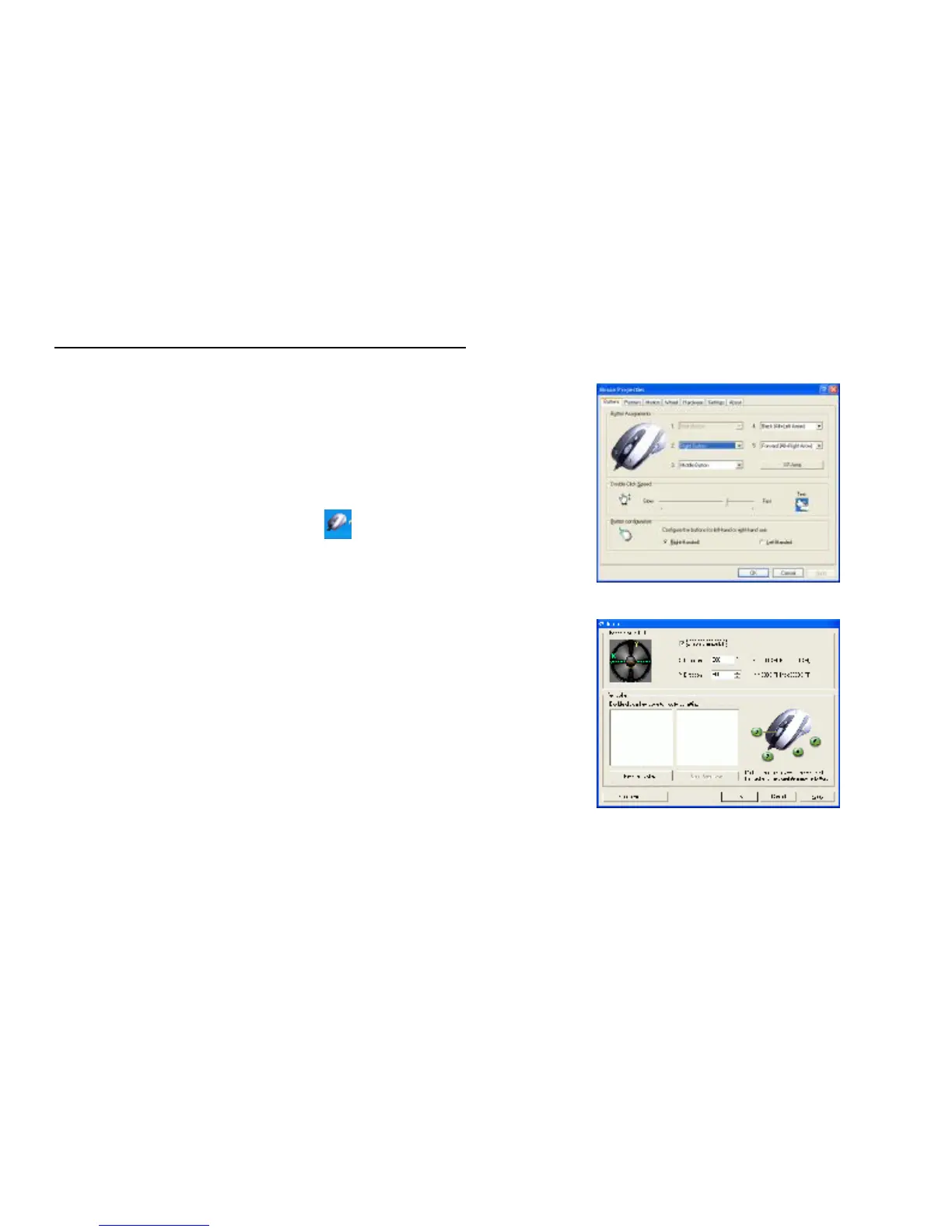
1. Double click on the mouse icon “ ” will bring you the mouse
property. (image A )
2. One Click on X7-Jump and you’ll see the pop up window ( image B)
Here you will see 2 Parts:
l Part One is Change Mouse DPI.
l Part Two is Keystrokes.
Let’s enjoy all the innovative features of the mouse step by step as
follows :
image A
image B



 To Next Page