Section I: Change Mouse DPI :Set mouse XY axis sensitivity levels
In order to Shift from pixel-precise targeting to fast-twitch maneuvers, without stopping the action. This
avoids the error in operation for more efficiency. You can configure your mouse as synchronism or
non-synchronism higher/lower with many parameters to control the X/Y dpi by yourself in this smart X7
Software ,
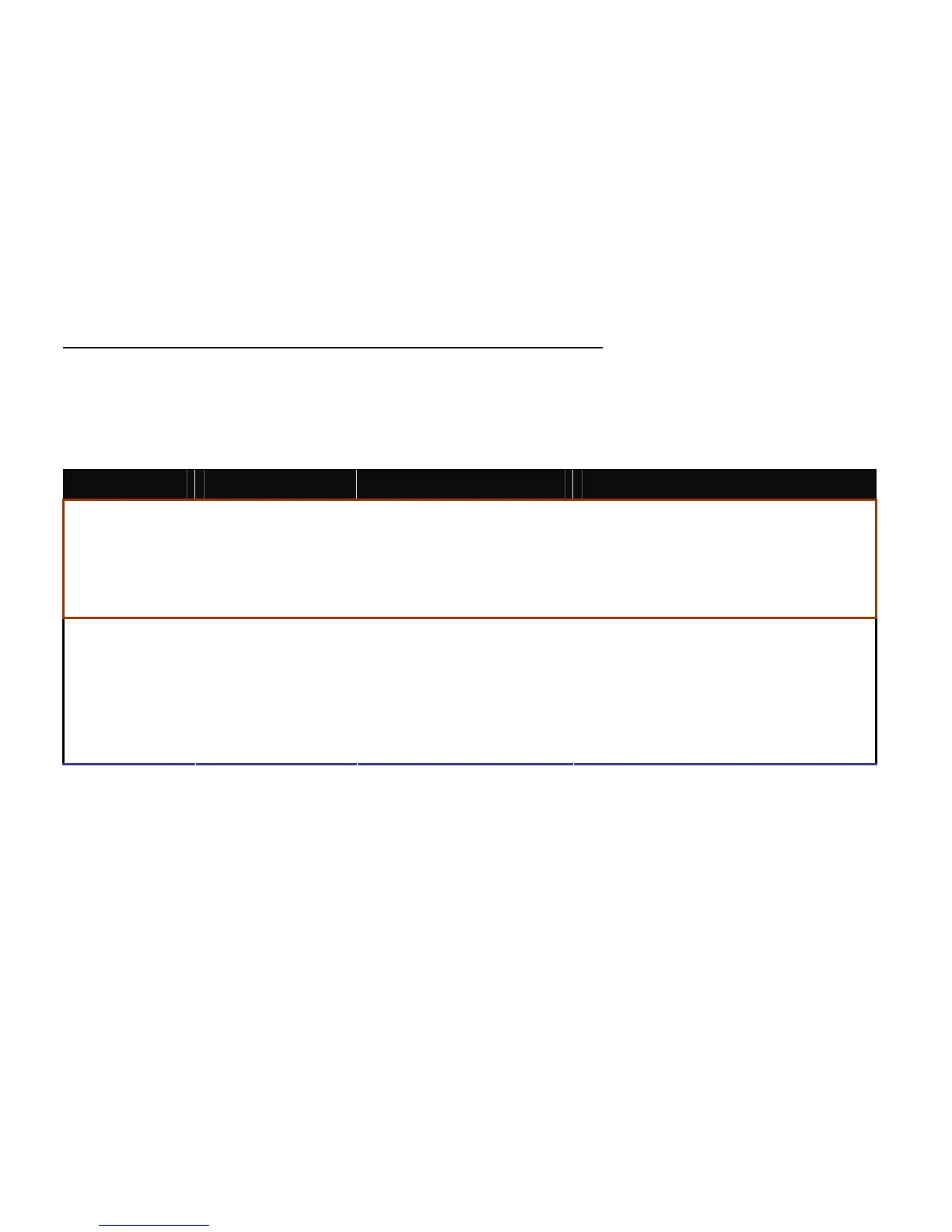
Model At Resolution: LED of Scrolling Wheel
Confirmable range of X/Y axes by software
400DPI Non
200DPI-400DPI
600DPI Green
200DPI-600DPI
800DPI Yellow
200DPI-800DPI
X-710
1000DPI Red
200DPI-1000DPI
600DPI Non
200DPI-600DPI
800DPI Green
200DPI-800DPI
1200DPI Yellow
200DPI-1200DPI
1600DPI Red
200DPI-1600DPI
X-718
2000DPI Red & Yellow coruscating
200DPI-2000DPI
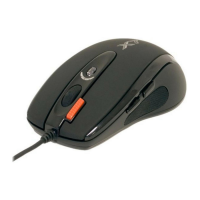
If to cancel this mode, just click the 6
th
button ,it will automatically change to the next light status, if you need
the dpi amount prior to usage ,just click “ Utilize mouse sensitivity configuration” mode and apply “∨”.


 To Next Page