EasyManua.ls Logo

AAB TempSmart TS-100 - User Manual

Default Icon
13 pages
Print Icon
To Next Page IconTo Next Page
Loading...
1"
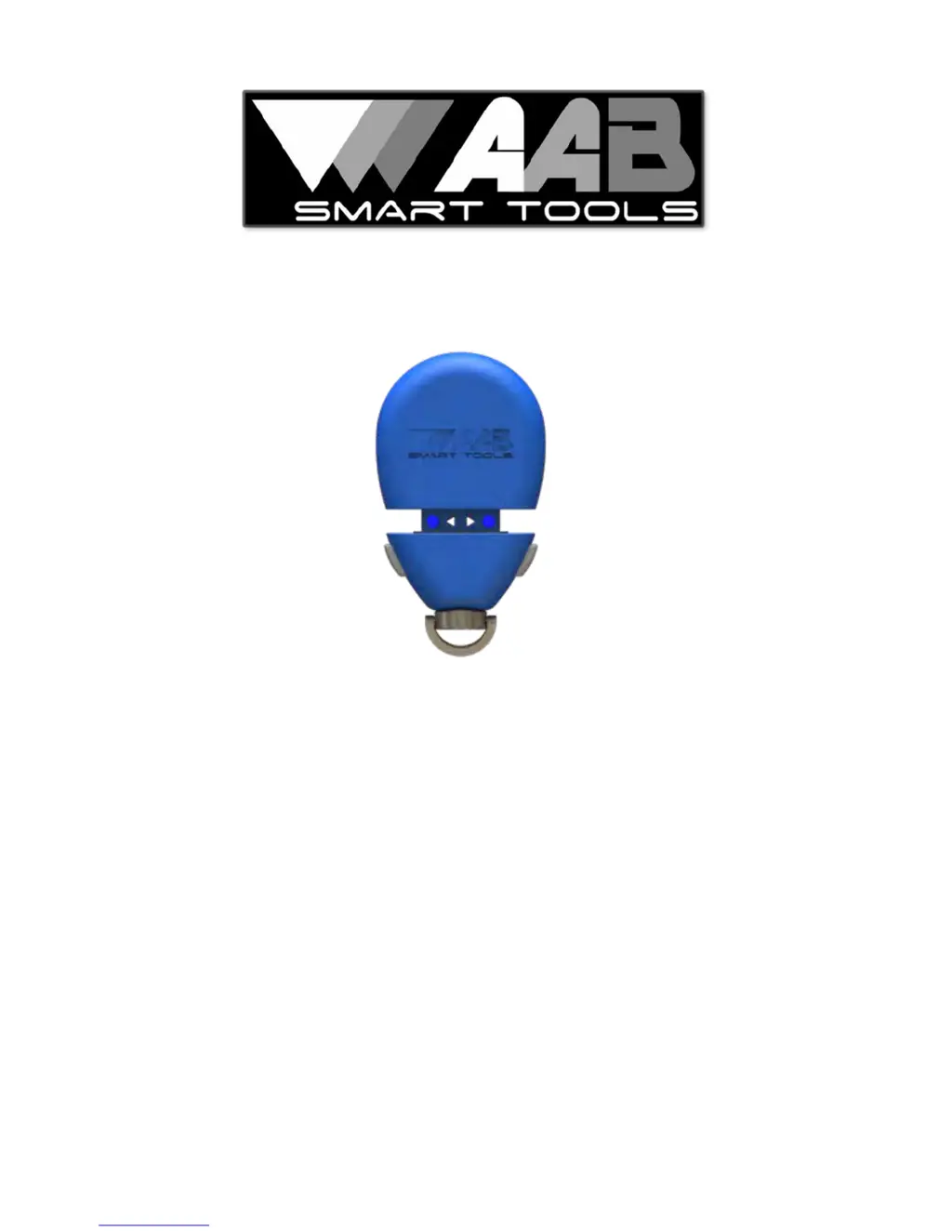
TempSmart TS-100
Temp & Humidity Data Logger
User Guide
Shop for Data Logging products online at: www.DataLoggerStore.ca 1.877.766.5412

Questions and Answers

  • C
    Christopher RileyJul 27, 2025
    Why won't my AAB TS-100 Other connect?
    • L
      Lori CaldwellJul 27, 2025
      Your AAB TS-100 Other might not connect due to several reasons: the battery might be low (replace the battery), Bluetooth might be turned off (turn on your phone's Bluetooth), or the device might be out of range (move closer to the device).
  • M
    Melissa CamachoAug 3, 2025
    What to do if my AAB Other temperature/humidity reading is incorrect?
    • M
      Misty EstradaAug 3, 2025
      An incorrect temperature/humidity reading on your AAB Other could be due to several factors. The battery may be low, so try replacing it. The meter may need time to adjust to the current conditions. Also, check if the ports are blocked and remove any obstructions. Finally, direct sunlight can affect the reading, so move the device out of direct sunlight.
  • M
    Martin GomezAug 8, 2025
    What to do if the AAB Other temperature/humidity response is slow?
    • M
      mullenshirleyAug 8, 2025
      If your AAB Other is showing a slow temperature/humidity response, it could be due to low airflow. Try moving the device into an air stream. Another possible cause is blocked ports. Make sure to remove any obstructions from the front and/or rear ports.
  • M
    Marissa WilsonAug 15, 2025
    What to do if the AAB Other log doesn’t show in email?
    • J
      jennifer87Aug 15, 2025
      If the log from your AAB Other isn’t showing in your email, the email service or anti-virus program might be removing the attachment. To resolve this, try changing the settings in your email or anti-virus program, or use another email program.
  • P
    Penny KnoxAug 21, 2025
    Why doesn’t the screw port on my AAB Other work?
    • H
      Hannah MosleyAug 21, 2025
      The screw port on your AAB Other might not work if the accessory has the wrong thread size or type. Make sure the accessory has a ¼-20 threaded screw.

Summary

First Connection Guide

Download the AAB Smart TS-100 App

Obtain the AAB Smart TS-100 application from the Apple App Store or Google Play.

Power On and Initial Pairing

Turn on the TS-100; the LED indicates operation and battery status.

Connect to App Interface

Launch the app and select the option to connect the TS-100 device.

Device Pairing and Readiness

Scan and Pair Device

Scan for TS-100s, choose the device from the list to pair.

Device Ready for Use

The TS-100 is now paired with the smartphone and ready for use.

App Settings and Alerts

Data Logging Operations

Device Maintenance and Troubleshooting

AAB TempSmart TS-100 Specifications

General IconGeneral
BrandAAB
ModelTempSmart TS-100
CategoryOther
LanguageEnglish