32 MS-70 / MX-50 / MF-50 / ML-50
Set the Minimum Scale Value of the Gram Display
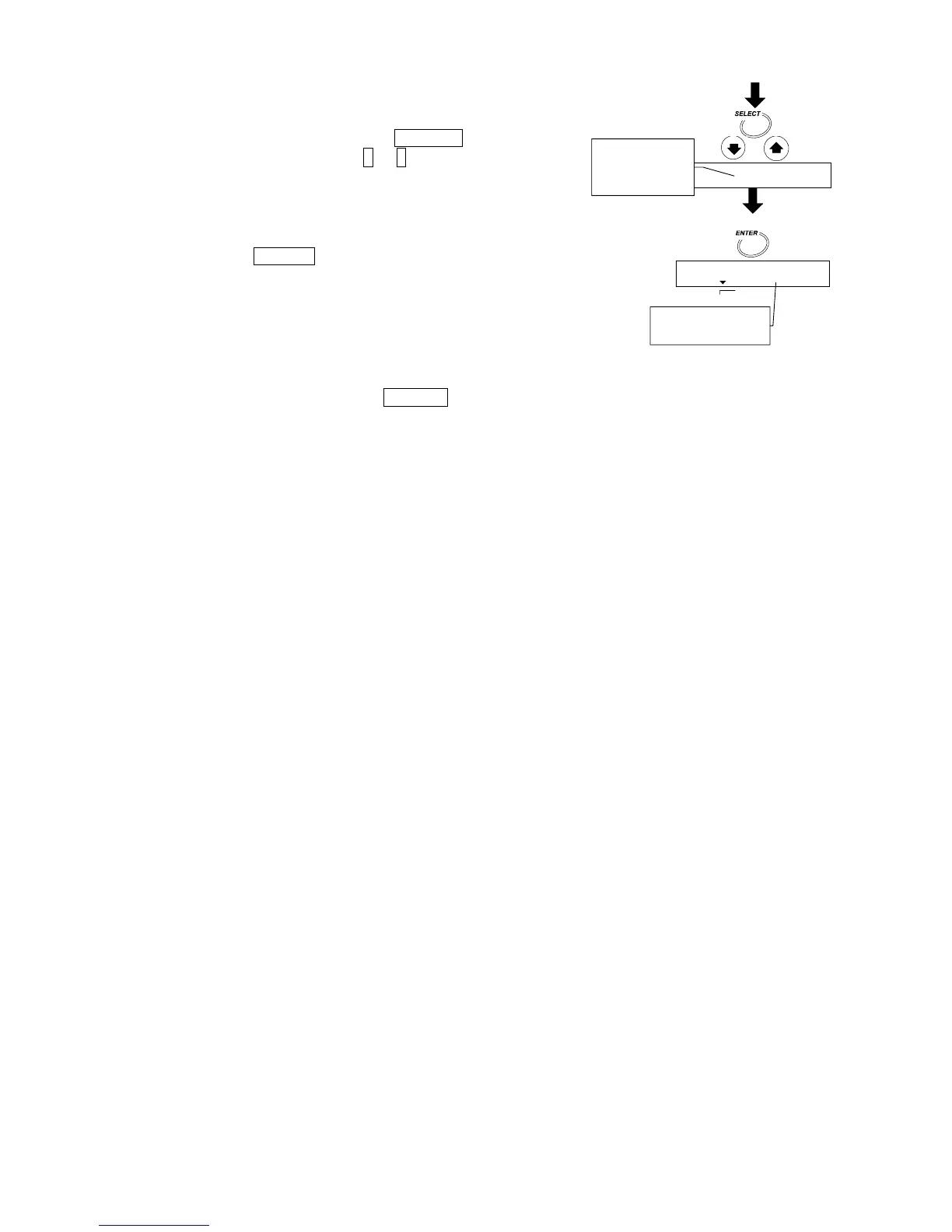
13. Select gram display with the SELECT key.
Select 0.001 [g] with the ↓ or ↑ key.
Store the Parameters and Finish the Operation
14. Press the ENTER key to store the new parameters
for the measurement program to program number 2.
Pressing the key, the weighing mode is automatically
displayed. When PROG 2 is recalled, the settings
can be used.
To cancel the new parameters and return to the
weighing mode, press the RESET key.
0.000g
Gram display o



 To Next Page