Run First Time Installation
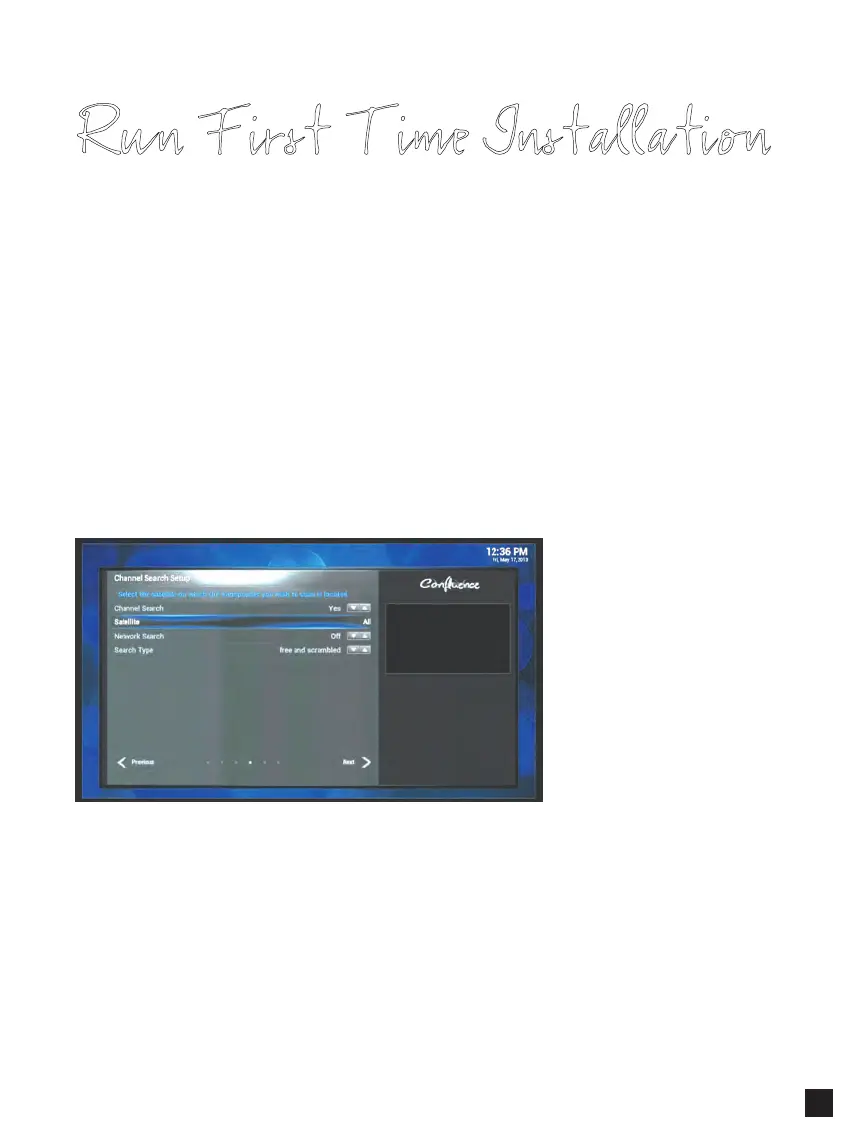
Step 5. Channel Search Setup
This menu allows you to configure the channel search options.
- Channel Search : Yes / No
- Satellite : All or installed satellite list (e.g. Astra, Hotbird)
- Network Search : On / Off
• Off is used when searching for the default transponders only.
• On is when searching for the default transponders and additional transponders
that are not stored in the factory default transponders.
- Search Mode :
• Free only – means searching for Free-To-Air (FTA) channels only.
• Scrambled only – means searching for scrambled channels.
• Free & Scrambled – means searching for all FTA and scrambled channels.
Select Next and press OK to start the channel search.
11



 To Next Page