Run First Time Installation
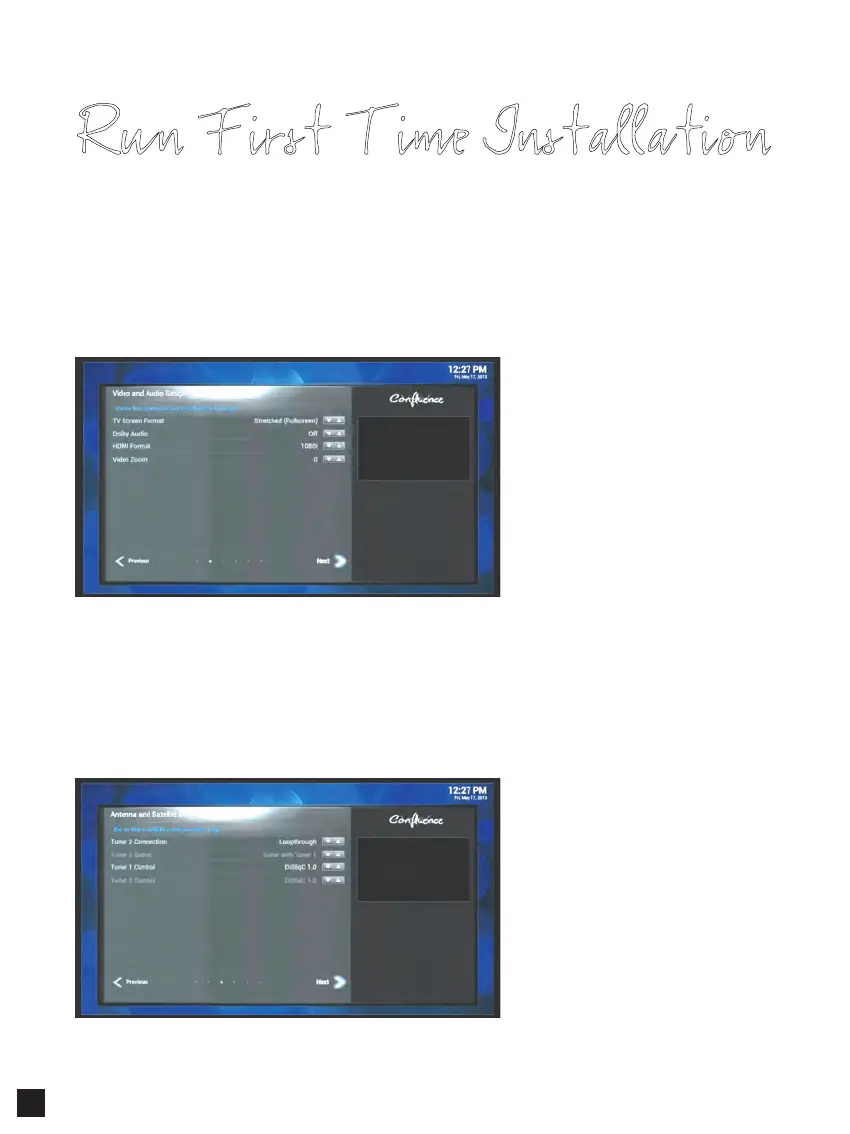
Step 3. Video & Audio Setup
- Configure video and audio settings from the given options.
• TV Screen Format : Normal / Stretched / Zoom
• Dolby Audio : On / Off
• HDMI Format : Automatic / 1080p / 1080i / 720p / 576p
Select Next and press OK to go to the next step.
Select Next and press OK to go to the next step.
Step 4. Antenna & Satellite Setup
ABIPBOX Prismcube Ruby has two satellite tuners.
- Select Tuner 2 Connection and choose
from the below options :
• Loopthrough – when you have one
signal cable.
• Separated - when you have two
separate signal cables.
- Select Tuner 1 Control and choose from the below satellite signal control options :
• Simple LNB / DiSEqC 1.0 / 1.1 / 1.2 / USALS.
10



 To Next Page