14
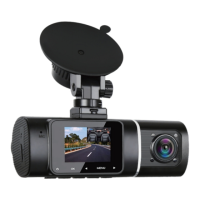
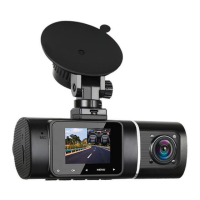
What was recorded by the inside camera can only be
reviewed through PC. Therefore, please connect the cam-
era to the PC by the attached USB cable or just remove
the memory card and read it on PC to review the footage.
A:
Q 5: If I see an accident which I'm not part of but it's
been captured by the camera, how can I save that re-
cording? What button would I press?
If so, you need to manually lock the video to protect it
from overwriting, there are 2 ways: (1) Please long press
the MENU button to lock the current recording video, you
will see a "key" icon appear on the screen; (2) Or stop the
car, but still let the car start( to power the dash cam), and
then playback the video, find the related video, press MENU
button to protect it.
A:
Q 6: How does the inside camera run?
The inside view will automatically show on the screen
with power on. In standby mode or video recording modes,
press
◀ button to switch front and inside display views.
A:
Q 7: The internal battery, despite receiving a one-night
charge, barely lasts a few minutes? /Without external
power supply, the camera only lasts very short time,
or just can't turn on?
The built-in battery is only to save files urgently in case A:


 To Next Page
 Loading...