AMS 500
ABSOLUTE MARKING SYSTEM
20
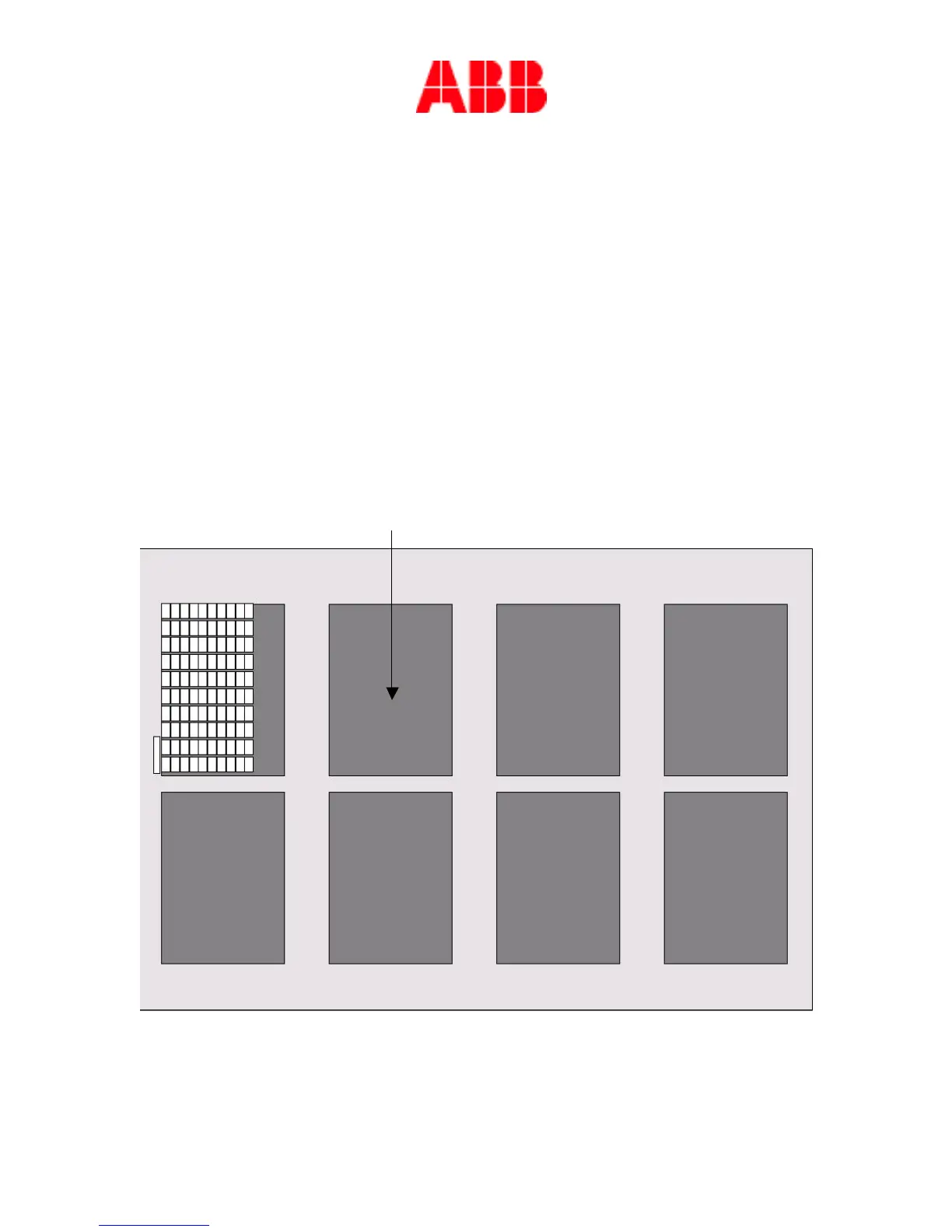
If you need different cards to do the job, double-click in the template slot as shown below;
this will then open again the markers folder window; select the card needed. Click on the
marker of your choice and it will then appear on the RC/RCT template. If the selected card
fits better on another template, a plate will automatically opens with the appropriate template.
Repeat the process until the template is full. If you have more than 8 cards follow the
instructions on how to proceed in the upcoming chapters.
Double-click here in the template slot.


 To Next Page