Ap1300 User Guide Page 9 of 16
6 LED INDICATIONS
The LED indicator at the front of the Ap1300 has a number of colour combinations, which repeat in up
to a 4-phase pattern to provide status information (see table below).
In summary, if the LED is constant green it indicates that the printer is operating normally from its
battery pack. Flashing on and off indicates that Spool mode is active and no printing can take place.
Orange advises the battery is being charged. Red warns of a low battery or other problem.
No light indicates that the unit is in sleep mode, has a flat battery, or the battery is not connected.
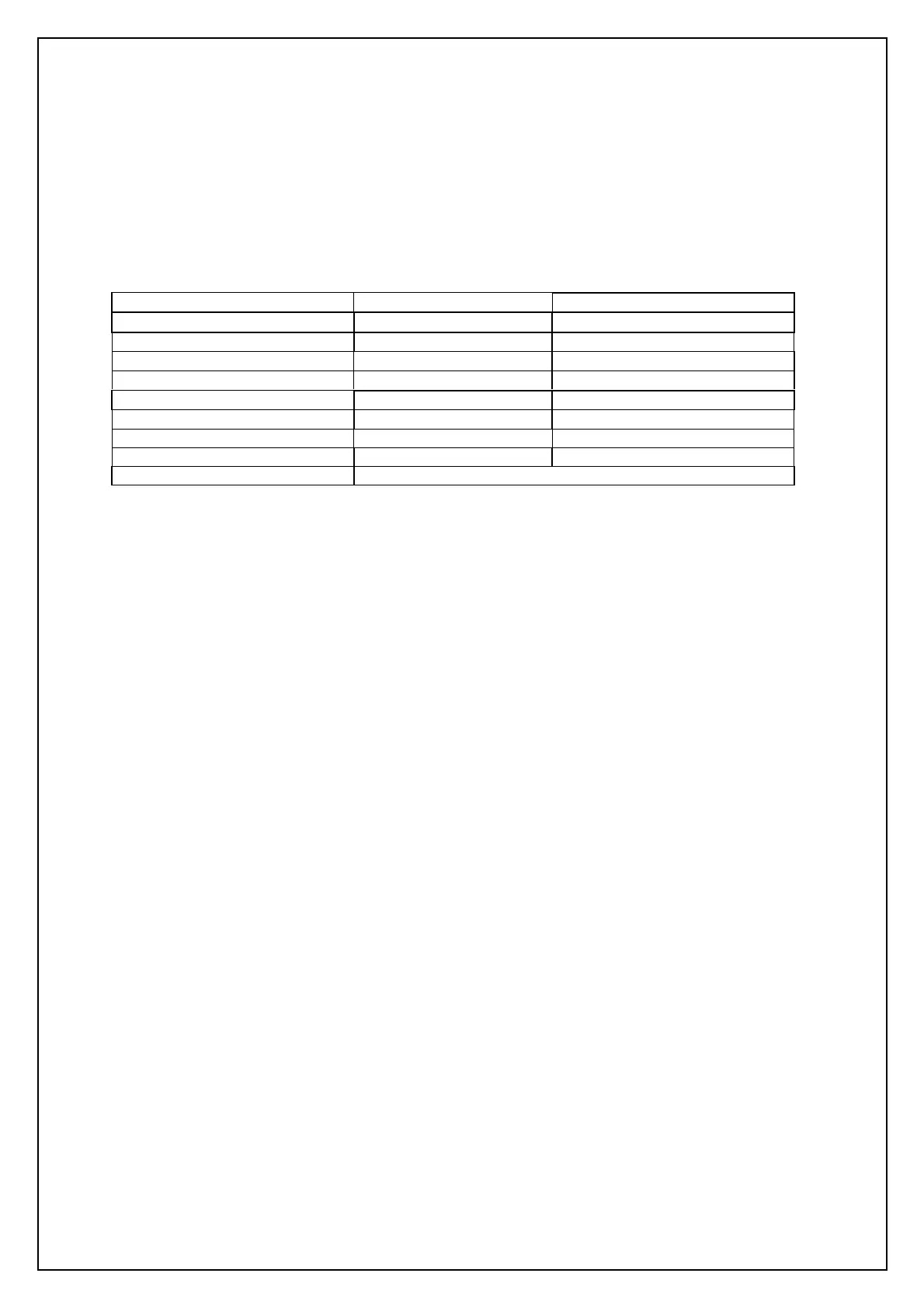
LED Pattern Table
Pattern Battery Buffer Mode
Constant Green Running Normal
Fast Flashing Green Running Spool *
Long Green - Short Red Battery Low Normal
Short Green - Short Red Battery Low Spool *
Short Green - Long Orange Trickle Charging Normal
Long Orange Flashing Trickle Charging Spool *
Fast Flashing Orange Fast Charging Spool (Printing prohibited)
Fast Flashing Red Error Condition Spool (Printing prohibited)
No light Flat, or in sleep mode
* (Spool may have resulted from Paper Out or Head Up conditions)
Although this table may seem complicated, few applications will produce many of the combinations.
Other LED Patterns
Other LED patterns may be programmed into the Ap1300 on request or by the system designer.
Please refer to the Programmers’ Guide for details of how to configure these functions.


 To Next Page