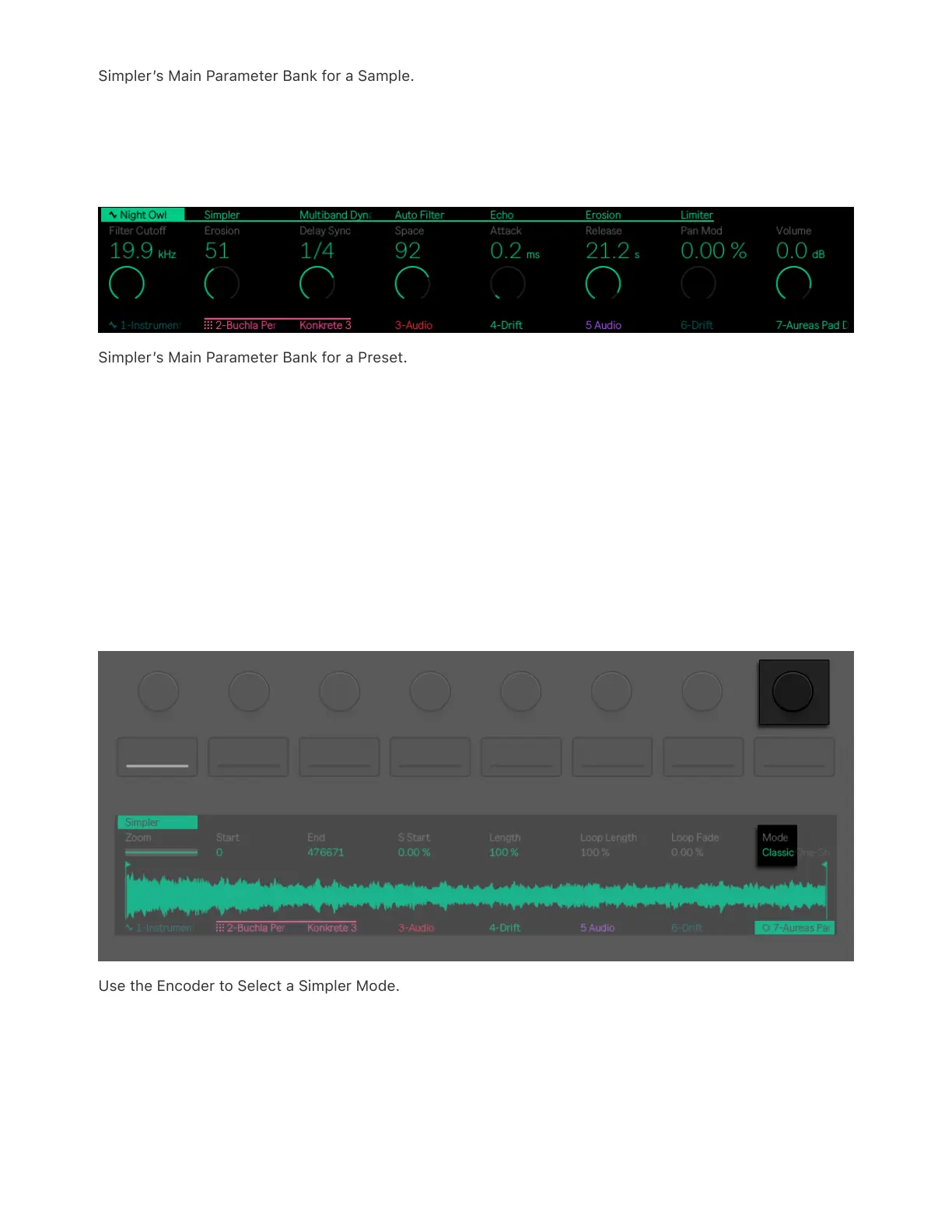
Simpler’s Main Parameter Bank for a Sample.
If you have selected a preset and do not see the waveform in the
display, the Simpler device may be inside of an Instrument Rack.
Simpler’s Main Parameter Bank for a Preset.
You can expand the device list to view Simpler and edit the sample’s
waveform.
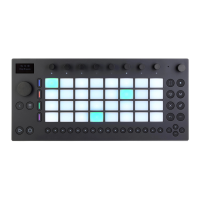
Simpler can be set in one of three modes: Classic, One-Shot, or Slicing.
The sample parameters you have access to in the display change
based on which mode is selected. You can use the encoder above
Mode to choose your preferred option.
Use the Encoder to Select a Simpler Mode.
Classic Playback Mode is the default mode when using Simpler, and is
optimized for creating melodic and harmonic instruments using pitched



 To Next Page