Following Instruction
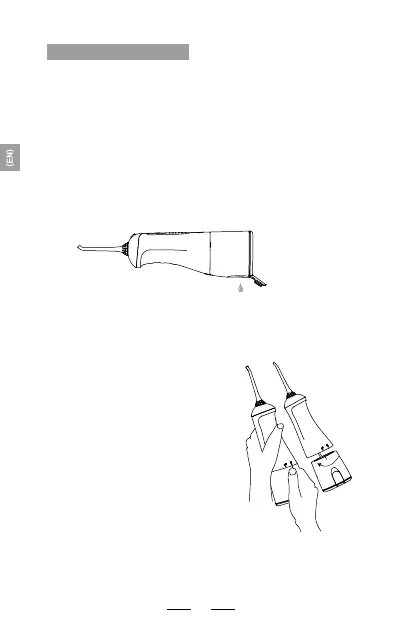
1.Please switch off the power and empty the water
tank.
1
2
3
2.Using both hands as indicated
in Diagram 2 - use your left hand
to hold the product body and
your right hand to hold the water
tank, then rotate downwards in
an anti-clockwise direction in
order to remove the water tank.
Disassembly Example
07



 To Next Page