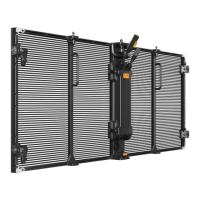
Product Installation
The product is suitable for various forms of installation, including front installation & rear installation,
rigging. Use allen wrench keys to lock the coffin locks either from the front or the back.
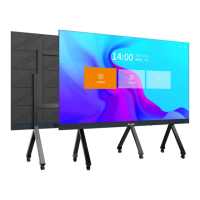
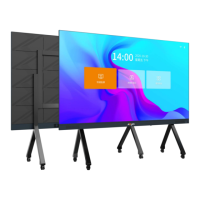
⚫ iCon C138、E138 installation
C138, E138 screen body plus edge size: 3100x1769mm
Step 1: Fix the wall connector
The position is: the distance from the end face of the beam is 100mm; the distance between the
upper and lower wall joints is 900mm. The distance between the lower frame and the wall joint is
305mm as shown in the figure below.
Step2:
According to the position of the wall joint, the hole is φ12mm deep and 55mm, the expansion bolt
M8x80 is used, the wall joint piece is fixed, and the flange nut M8 is fixed.
Note: Pay attention to the position of the wall connector when drilling, and the direction of the two
wall fixing holes is upward.


 To Next Page
 Loading...