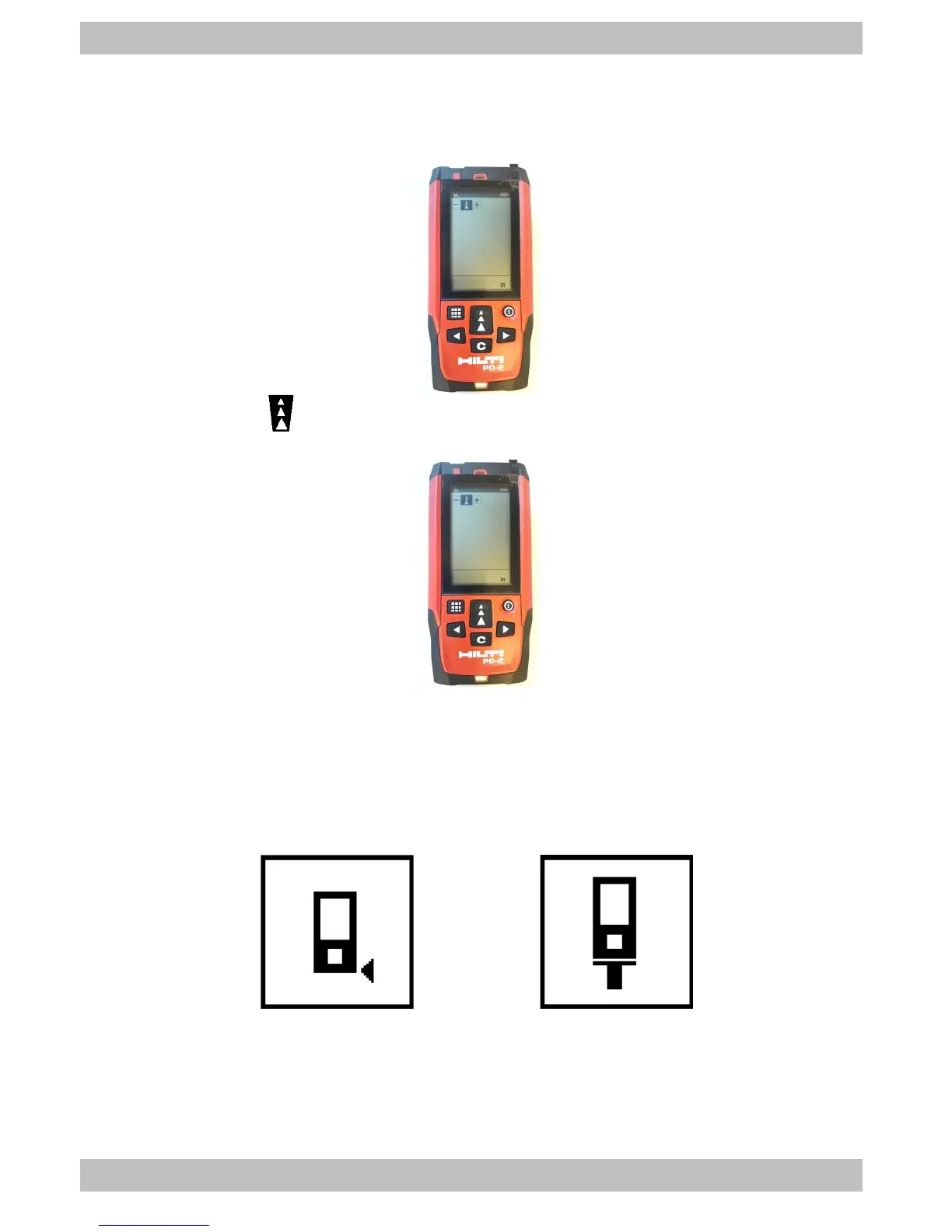
b. If the laser unit is mounted on the REFOS bracket appears the
default screen.
2. Press the button to go to the next screen if the laser is mounted on the
top holder.
3. One of two icons (shown in Figure 4) will be displayed in the top left of the
screen which represents the point from which the laser measurements will
be taken. Icon ‘A’ should be shown when the laser unit is mounted on the
REFOS bracket and Icon ‘B’ should be shown when placed in the top
holder.



 To Next Page