30 31
2.
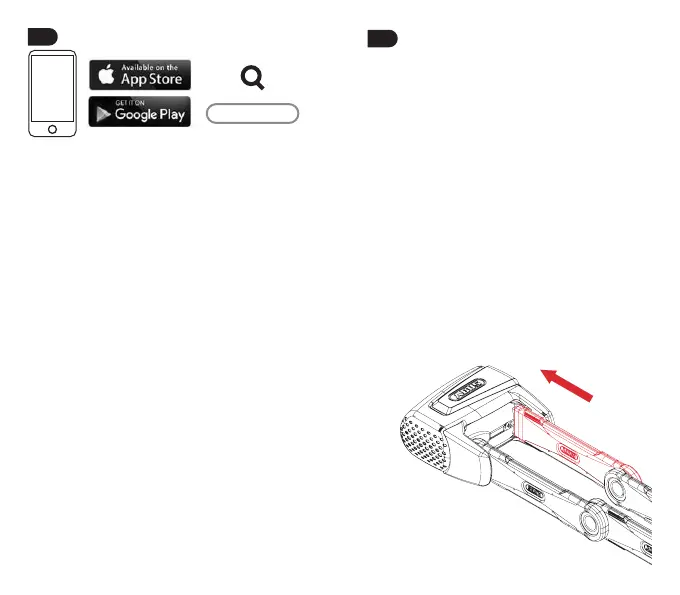
Download the ABUS Smart X app, install
it and follow the instructions in the app
until you have scanned the QR code on
the ABUS Keycard provided.
Aer scanning the QR code and success-
fully connecting to a smartphone, a tuto-
rial for operating the lock will be shown.
It can be accessed under “Info & Settings”
> “How it works”.
It is imperative to keep the Keycard in
asafeplaceevenaercompletingthe
setup! You need the Keycard for soware
updates, if you lose your smartphone,
and for proof of ownership for matters
related to warranty claims and repair. Do
not give the card to third parties.
The Bluetooth
®
function must be switched
on in your smartphone to operate the lock
electronics. For updates, the smartphone
must be connected to the Internet and
not be in ight mode.
As an alternative to a smartphone, the lock
can also be operated with the SmartX RC
transmitter (→ ABUS SmartX RC manual).
SmartX App
SmartX
3.
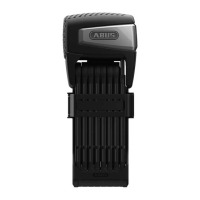
Closing the lock
1. Slide bar fully into the lock body.
2. Lock will automatically lock, a tone will
conrm the locking and the LED will
ash green once. Aer a delay of about
10 seconds, the lock will be in
monitoring mode.
The delay is so that you can park your
bicycle where the lock can’t be moved
unintentionally.
3. If the lock does not lock, a warning
tone will sound and the LED will ash
orange once.
Aer 6 failed attempts to lock, the lock
will stay unlocked. Check whether there
is dirt in the opening for the bar. Do
not press the bar with too much force.
Otherwise the lock will jam.


 To Next Page