21
4 5 6
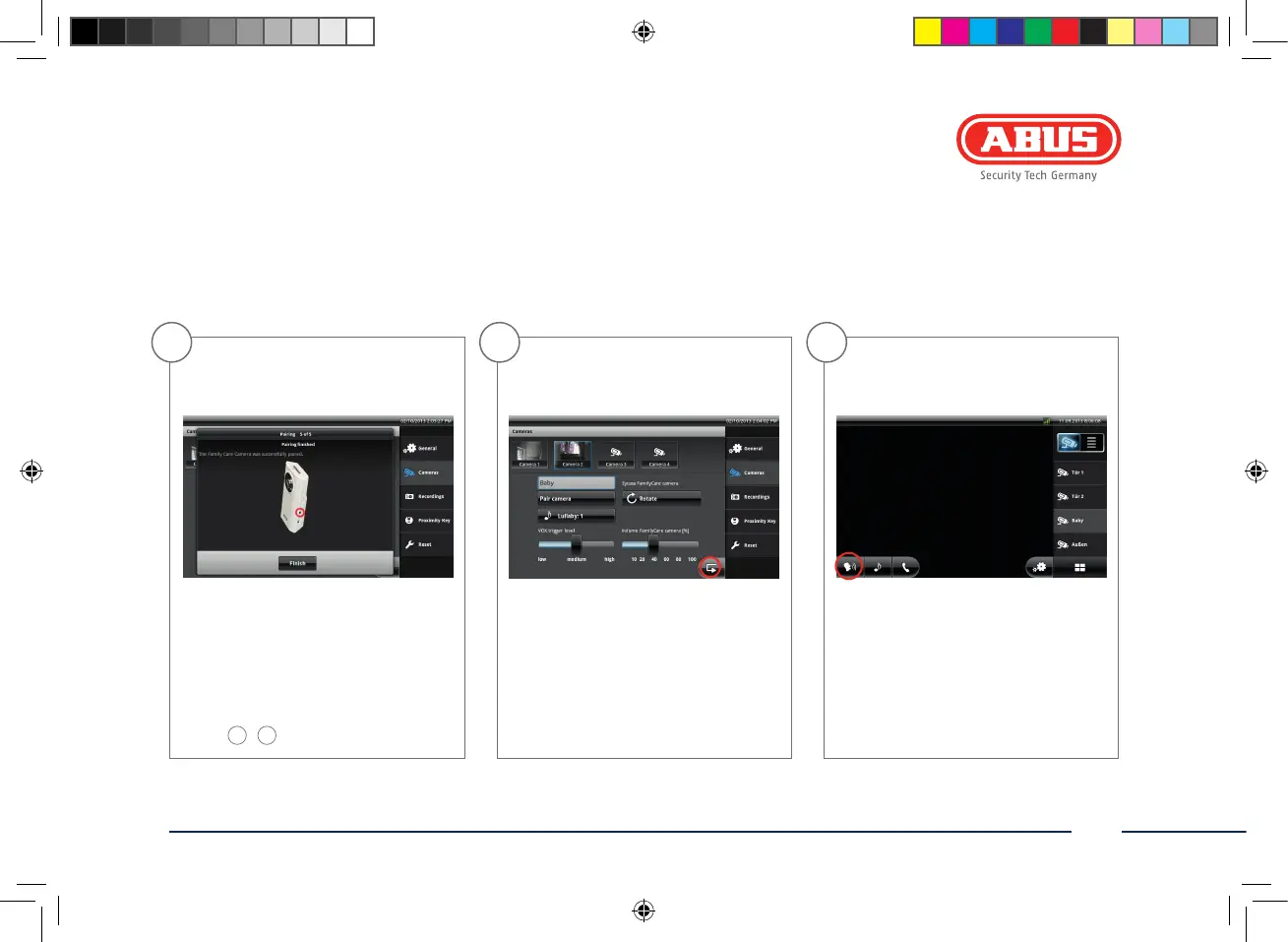
If the connection is successful, you
receive a positive message via the
base station. If the initial pairing is
not successful, then please repeat
steps
1
–
3
.
Quit the menu using the arrow but-
ton. Your settings are saved.
Then switch back to the live image
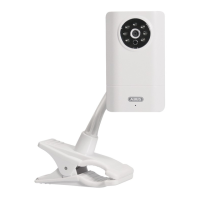
view and select the Family Care
camera. Activate monitoring mode
by pressing the monitoring icon.
CASA30400-Buch.indb 21 08.11.13 15:06


 To Next Page