20
Soware setup
1 2 3
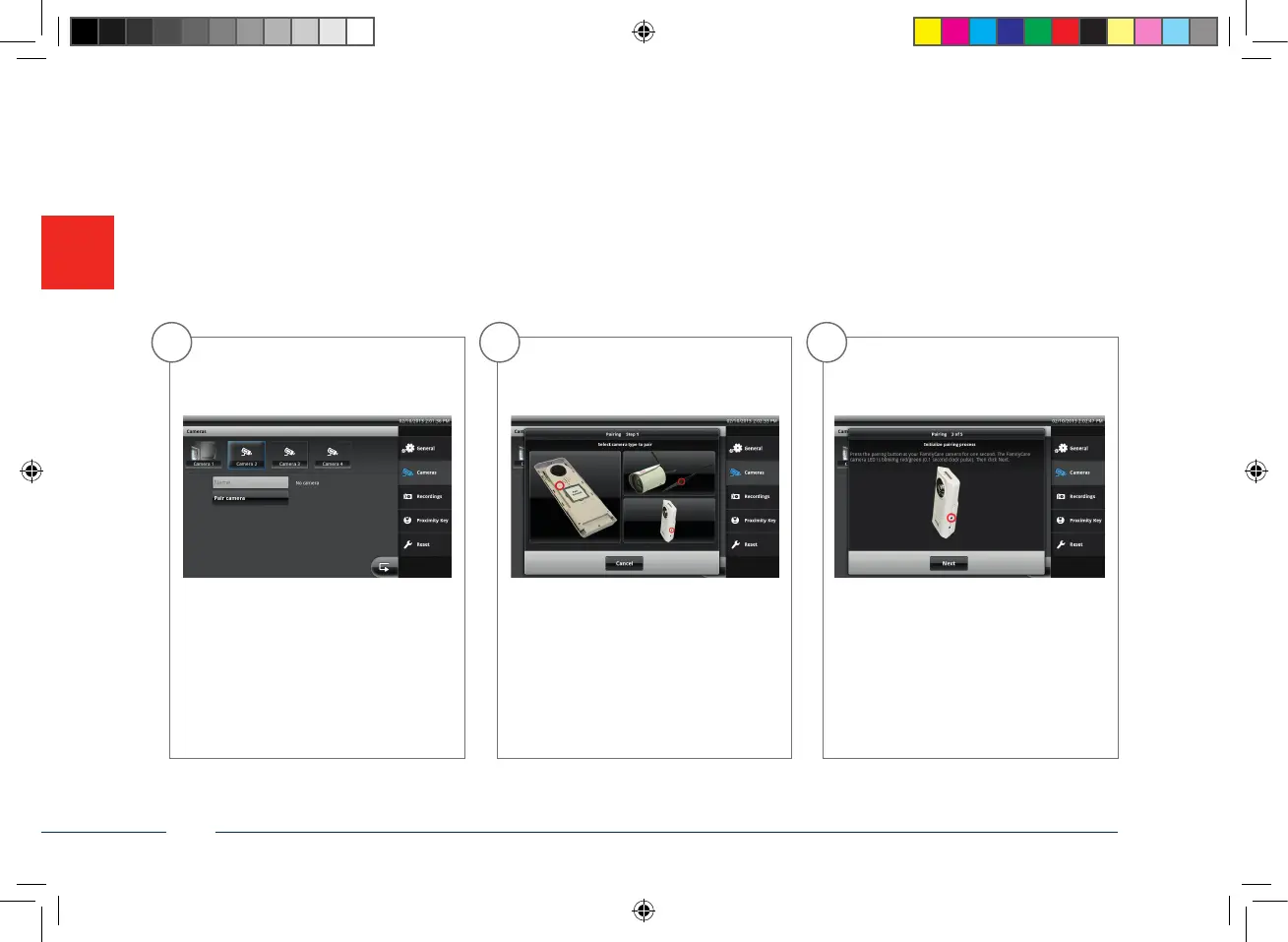
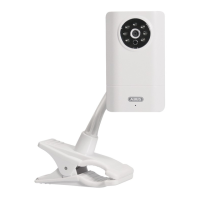
Press the “Assign camera” button
and select the picture of the Eycasa
Family Care camera.
Go to “Settings → Cameras” on the
Eycasa base station and select a free
camera slot.
Press the pairing button on your Family
Care camera for 1 second.
CASA30400-Buch.indb 20 08.11.13 15:06


 To Next Page