Operation
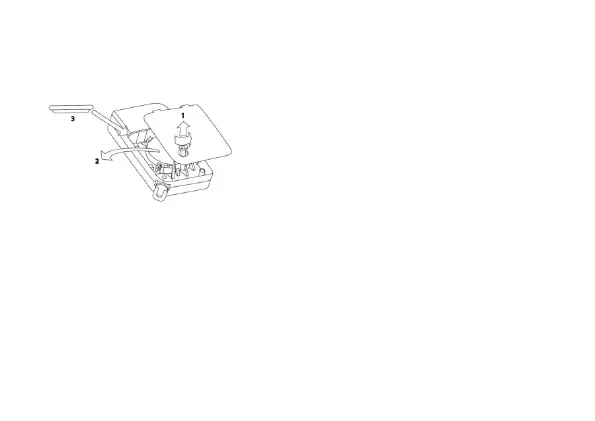
Inserting or changing the battery
Before the wireless remote control can be used,
the battery has to be inserted. When inserting
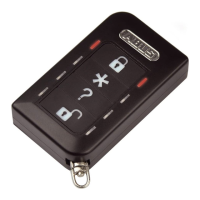
the battery, all the LED pairs light up red and
green one after another which show that all the
LEDs are working properly.
Reading the software version
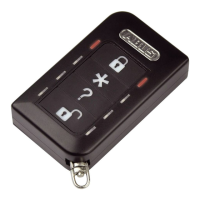
The software version of the remote control is then shown by the two LEDs at the
top. The main version is shown by the flashing red LED and the sub version is
shown by the flashing green LED.
Learning in
Follow the steps described in the user guide for the compatible component. The
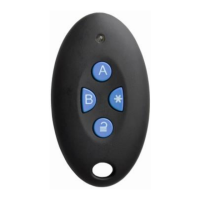
“∗” button can be used for “arming internally” or for switching an output. Find out
more details from the user guide for the compatible component.
19


 To Next Page