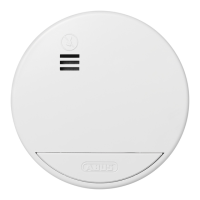
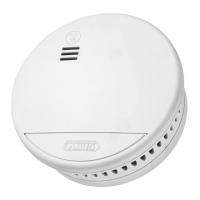
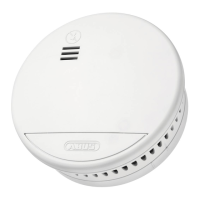
If smoke is detected, a loud, pulsing alarm tone sounds and the red LED
blinks at the same time at short intervals. In this case, proceed as described
in chapter 'Behaviour in case of alarm'.
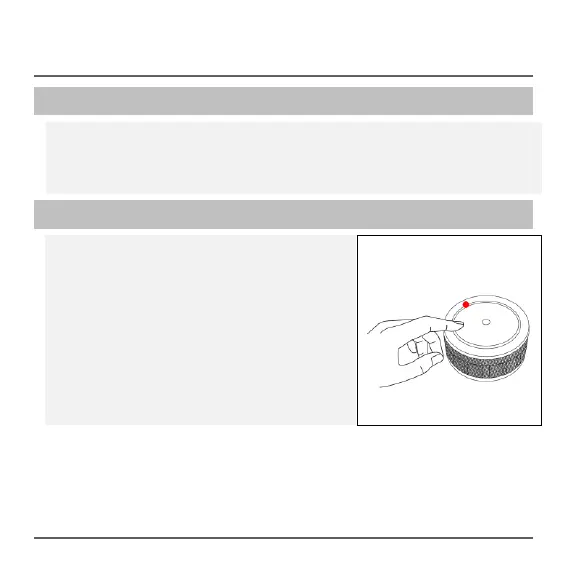
If the detector is in the Alarm state, the
acoustic alarm can be deactivated for 10
minutes by pressing the Test/Reset button.
If the muting function is active, the red LED
blinks every eight seconds.
If smoke is still detected in the smoke
measurement chamber after 10 minutes, the
acoustic alarm sounds again.


 To Next Page