23
En
lish
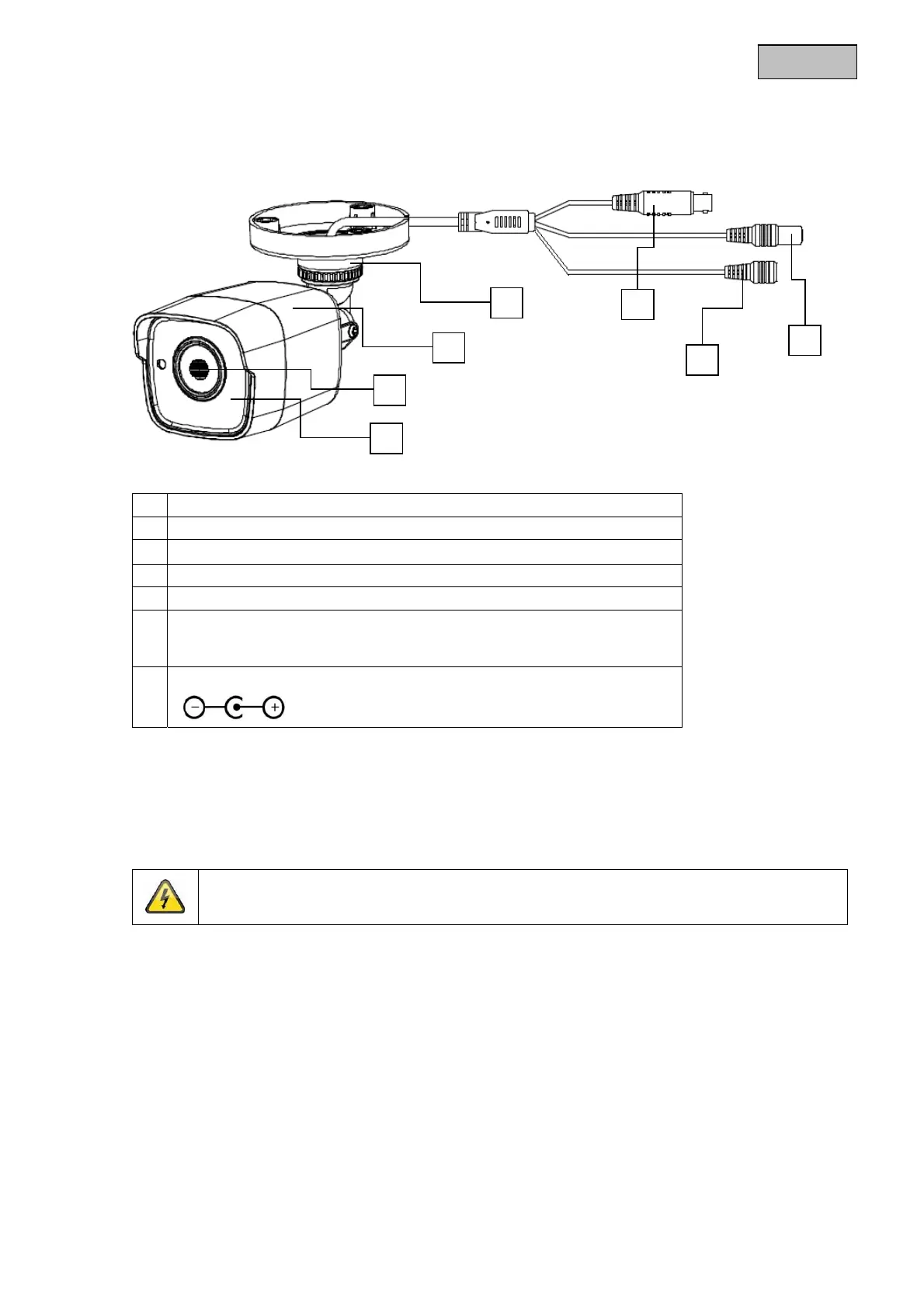
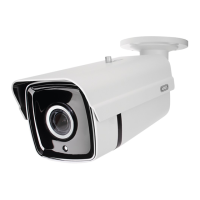
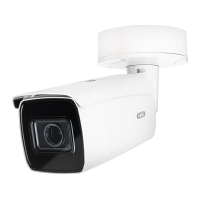
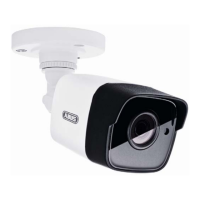
4. Camera description
1 IR LEDs
2 Lens
3 Camera housing with sun shade
4 Camera mount
5 HD-TVI video output (BNC, labelled 'TVI')
6 Button for switching between different video formats:
TVI / AHD / CVI / CVBS (keep the button pressed for longer than 3
seconds
7 Power supply connection (5.5 x 2.1 mm, barrel connector)
5. Mounting / Installation
5.1. Mounting the camera
IMPORTANT!
The camera must be disconnected from the power supply during installation.
Use screw anchors and screws that are appropriate to the surface to fix the camera in place. Drill
appropriately sized holes for the screw anchors used. An opening is provided on the base plate of the
camera mount for cablin
at the side.
1
2
3
4
5
6
7


 To Next Page