31
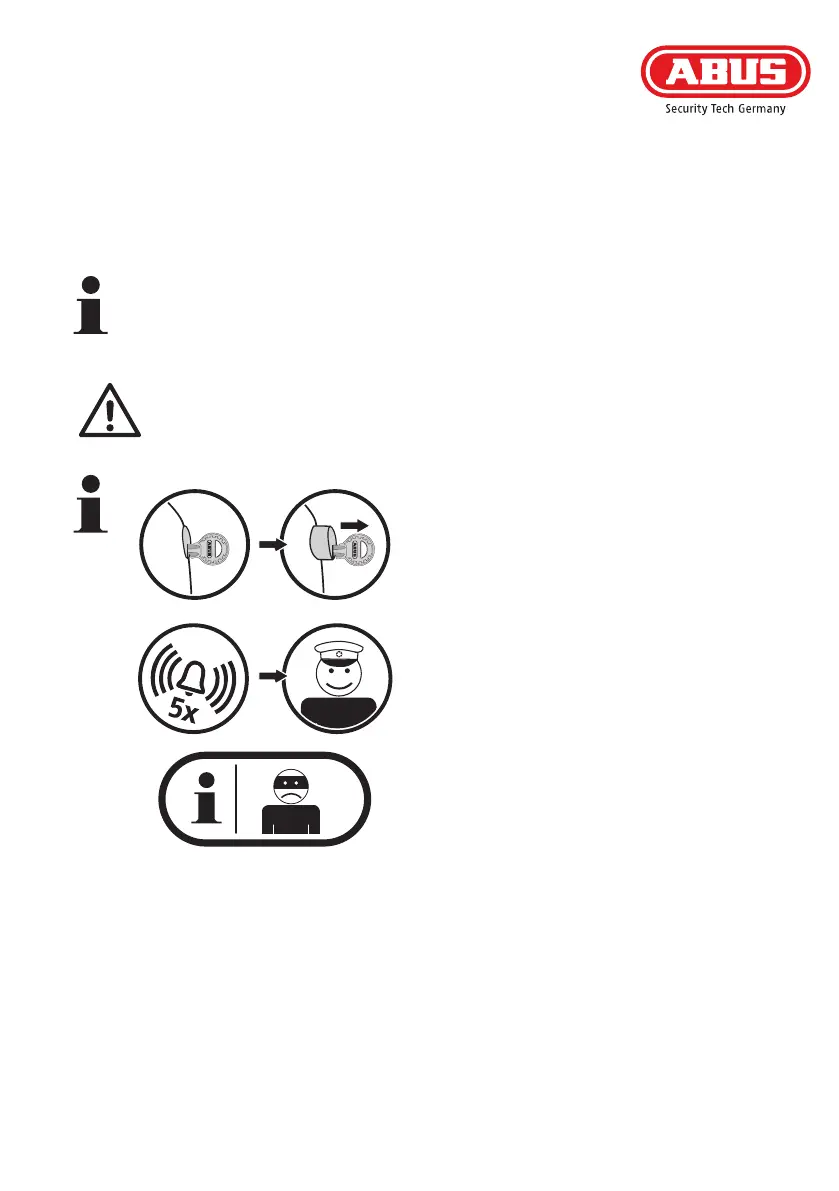
Incaseyouhearasignaltonevetimesimmedia-
tely aer unlocking and opening the device (both
electronically with remote control or keypad, and
mechanically with a key), most likely there has
been an attempted burglary.
Please check your window for possible evidences of
a forced entry and, if need be, inform the police.
(Note:donotconfusethevesustainedtoneswith
theveshorttonesthatindicateabatterychange
is due that take place before the drive starts to
move!)
1. 2.
3. 4.
P
O
L
I
C
E
C) Setting the tilt function
-Switchtothismenuitembypressingkey2.LED1ashesred
-Conrmyourintentiontoactivatethetiltfunctionbypressingkey4
- Choose the setting required by pressing key 1 or 2:
LED1ashesred/LED2lightsgreen:tiltfunctioninactive
LED1ashesred/LED2lightsred:tiltfunctionactive*
* If this setting is chosen, the window moves when pressing the transmitter‘s „open“ button
from the tilt position to the “open” position. In doing so, the window must always be
brought in manually!
When using the tilting function, always pull the window by hand until the drive has
reached its rest position before actuating the drive! In particular with older windows and
patiodoors,thereisariskthatthecasementwillbeliedoutofitsanchoring,whenitis
not brought in manually.



 To Next Page