7. Selecting the input signal
To select the input signal, press the AUTO button.
The selected input will be displayed on the upper of the screen.
Press the AUTO button repeatedly until you reach the required input.
You have the choice of HDMI, VGA and AV.
8. On-screen menu
To call up the on-screen display, please press the “Menu” button.
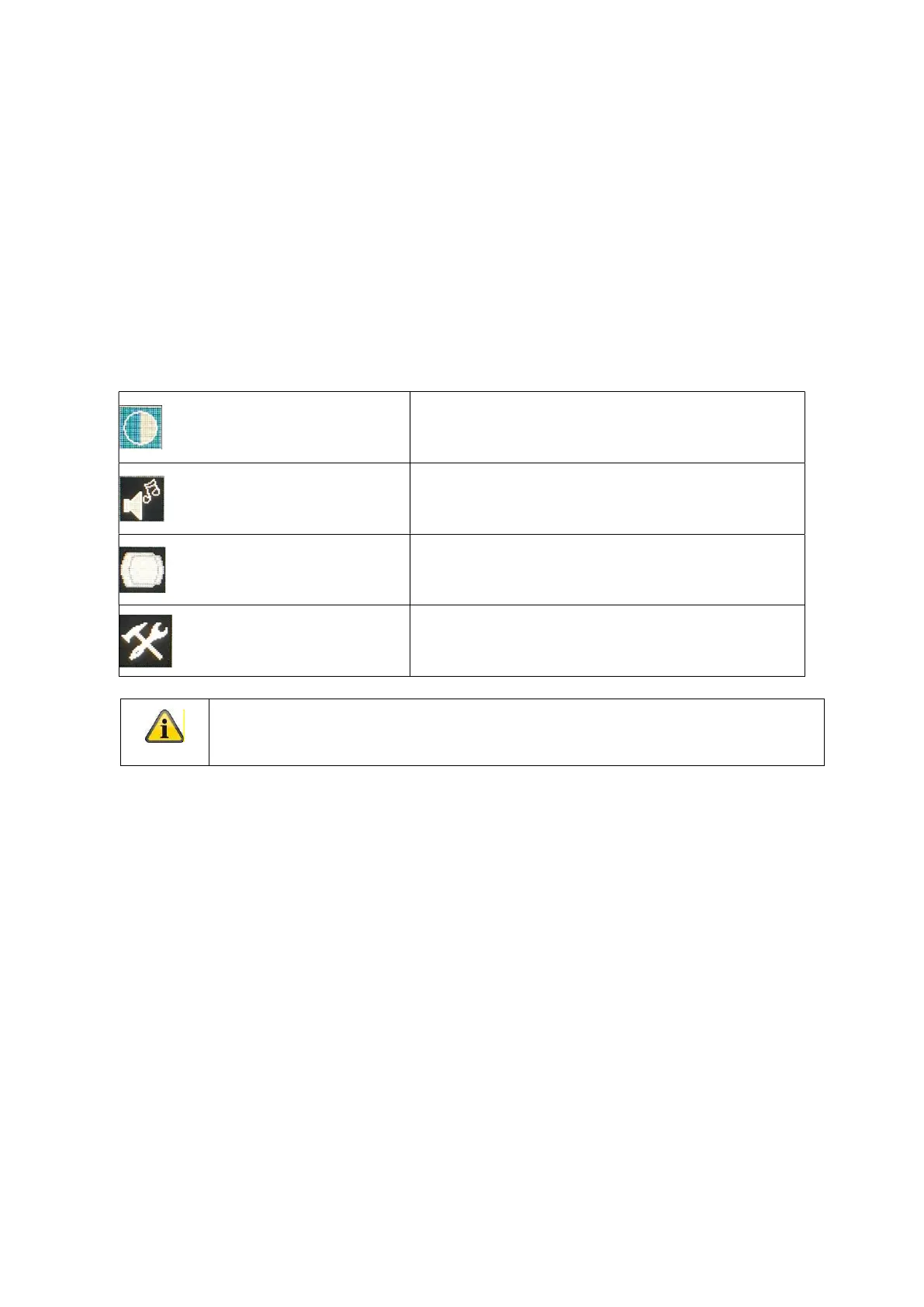
To adjust the settings, you have the following screen menus at your disposal.
Picture / Color Picture / Color settings
Audio Audio settings
Adjust Settings for the position of the image
Function General settings
Please note that the menu structure depends from the input source!



 To Next Page