8.1 Menu explanation
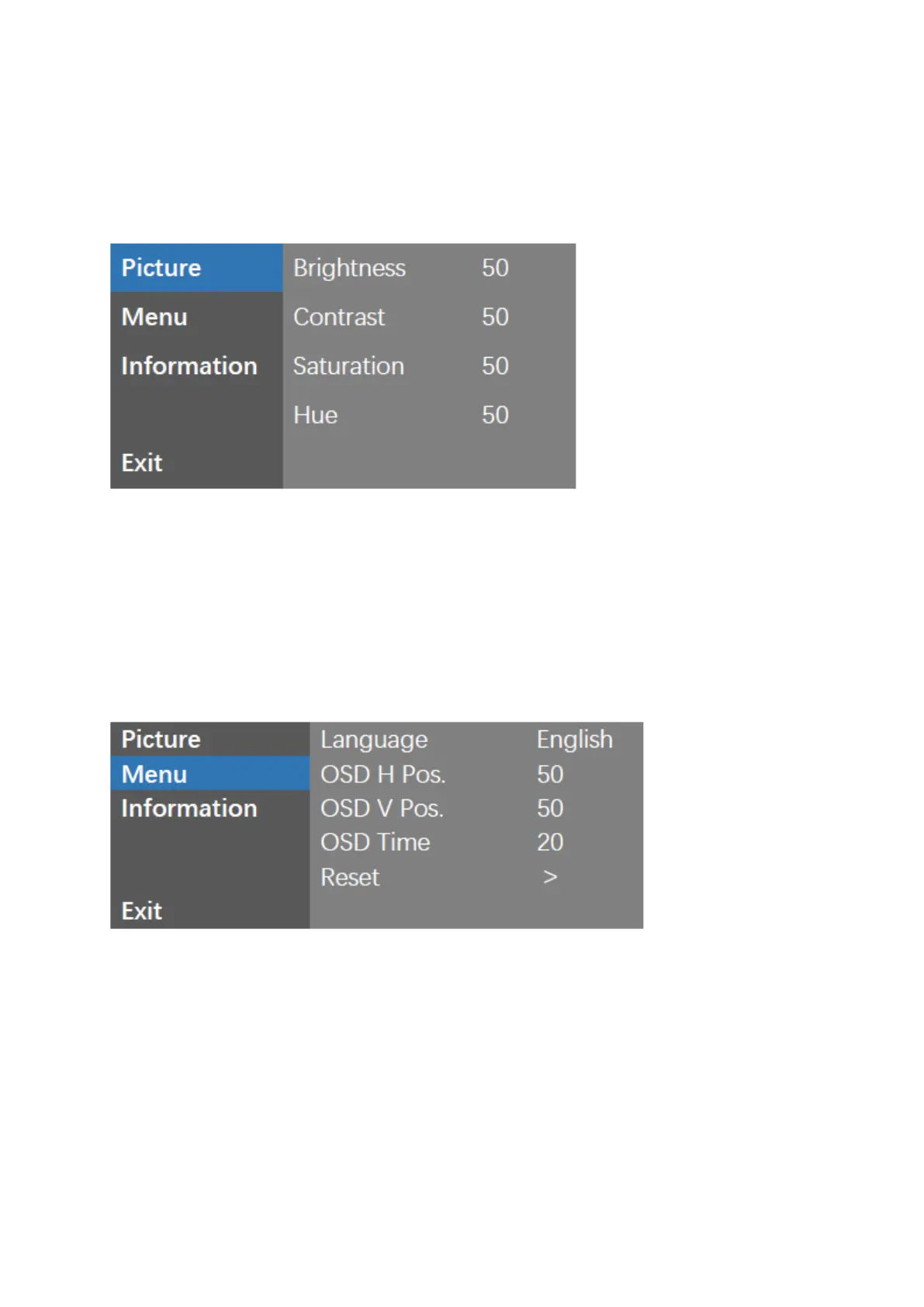
Picture
Picture: Setting the image brightness (0-100).
Contrast: Setting the image contrast (0–100).
Saturation: Setting the image Saturation (0–100).
Hue: Setting the image hue (0–100).
Menu:
Language: OSD language selection.
OSD H Pos.: OSD horizontal position adjustment (0-100).
OSD V Pos.: OSD Vertical position adjustment (0-100).
OSD Time: OSD display dwell time selection (5-30s).
Reset: OSD setting data recovery factory settings.



 To Next Page