8. On-screen menu
To call up the on-screen display, please press the “Menu” button.
To adjust the settings, you have the following screen menus at your disposal.
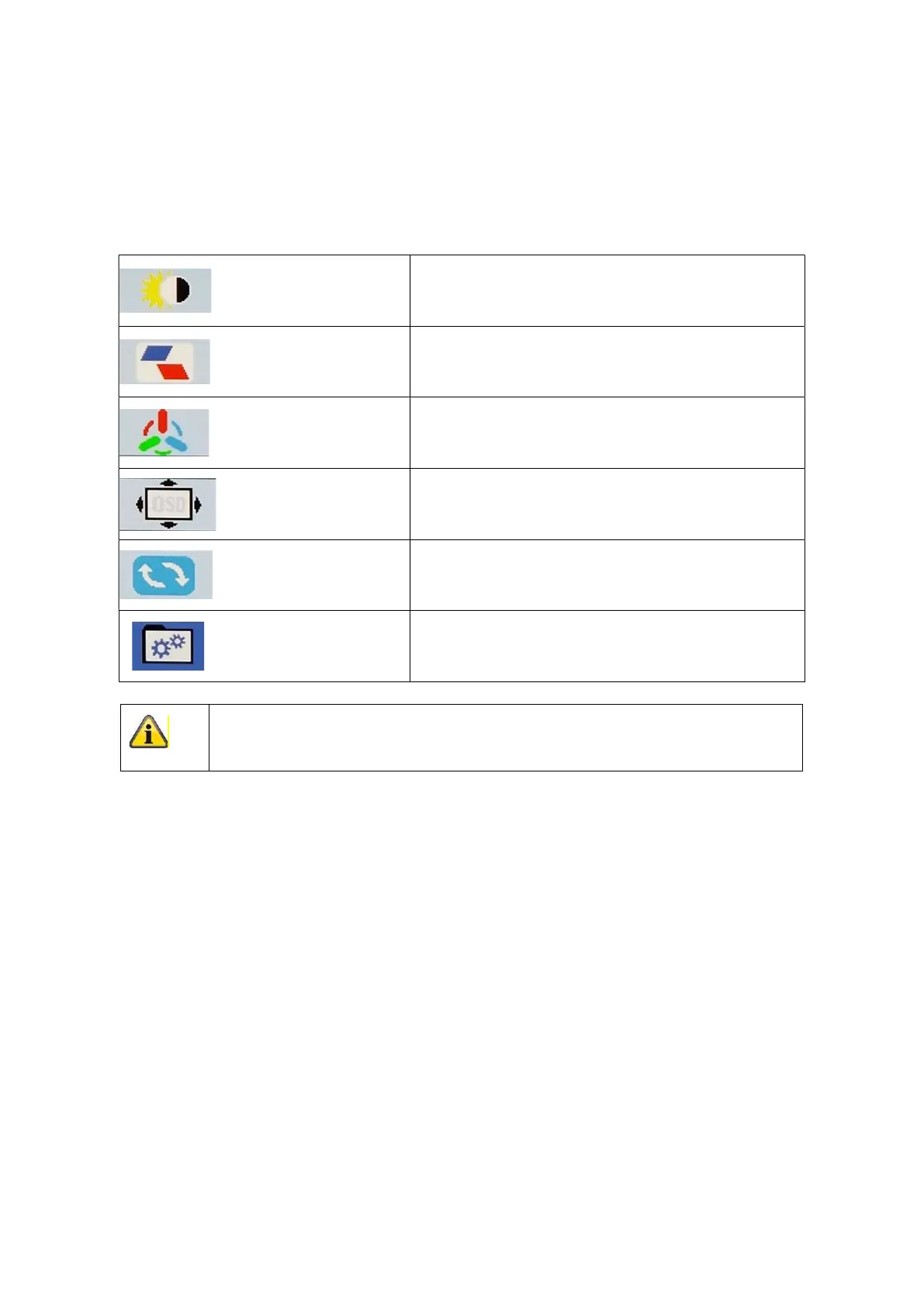
Picture Picture settings
Position Setting of position
Color Setting of Color temperature /color values
OSD OSD settings
Reset General settings
MISC. Misc. Settings
Please note that the menu structure depends from the input source!



 To Next Page