Two-way communication
You can speak to someone else using the
microphone of the mobile terminal device on
the camera.
Press and hold the button while
speaking.
Back
This takes you back to the camera overview.
You are always shown the last screenshot.
Settings
Here you can change the camera settings. Email
notifications can also be activated or deactivated.
Email notification
Activating email notification in the event that motion is
detected.
Please note that outdoor video surveillance can give
rise to false alarms.
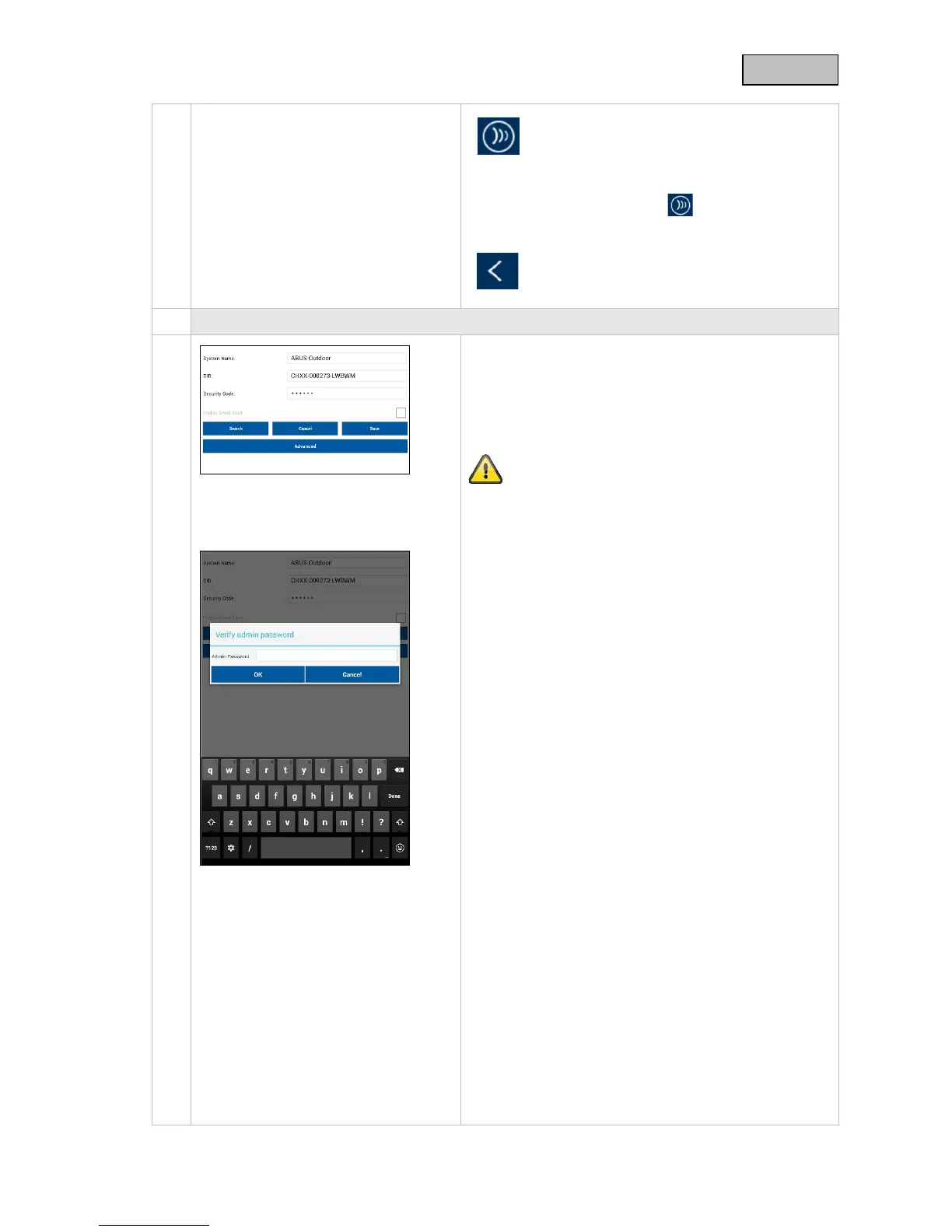
Click "Advanced settings" to start the configuration.
To access the settings you will need to enter the admin
password (standard: "123456").
44



 To Next Page