97
Accessing the network camera over DDNS
If the network camera is located behind a router, then access via DynDNS must be configured in the router.
On the ABUS Security-Center homepage www.abus.com
, you can find a description of DynDNS router
configuration for common router models.
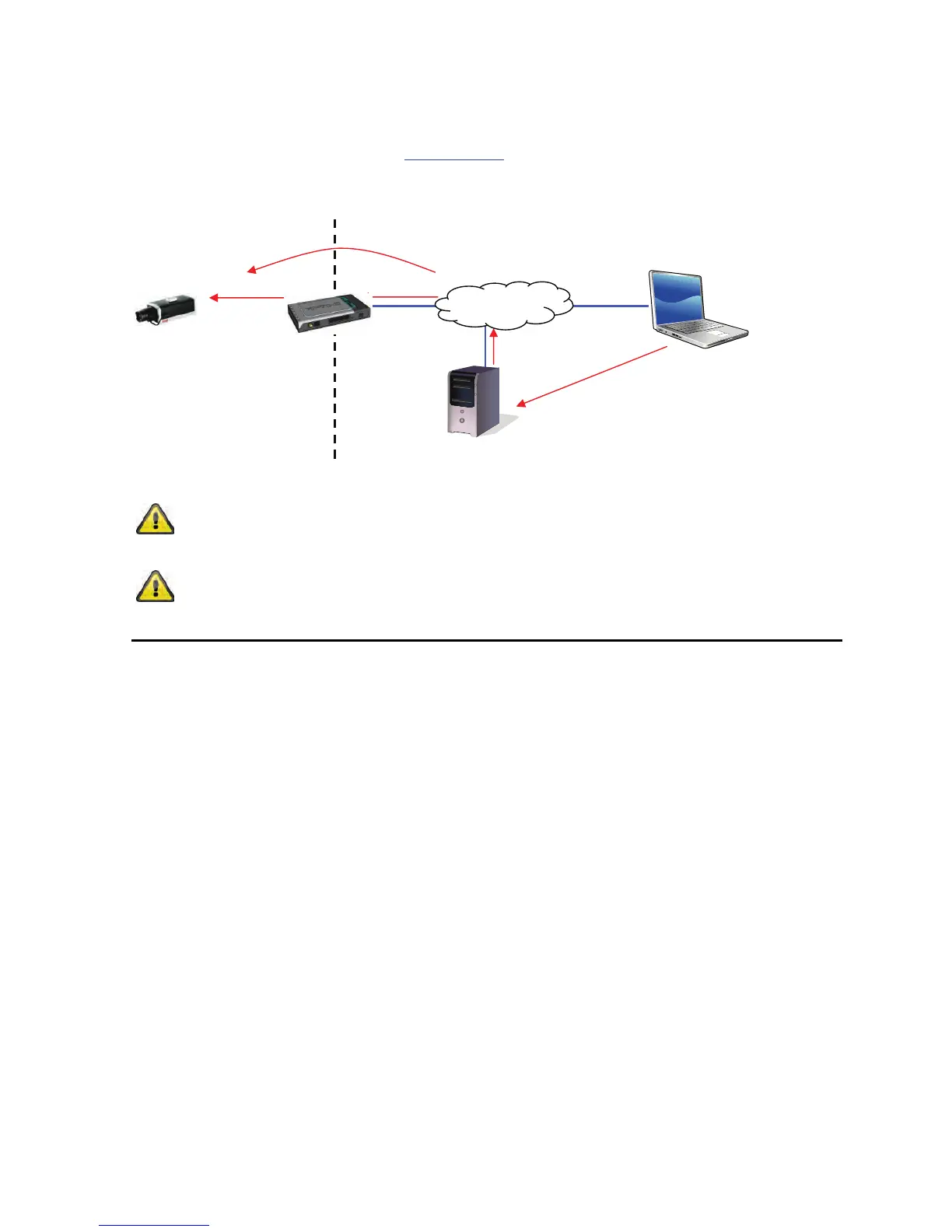
The following diagram offers an overview of accessing a network camera behind a router via DynDNS.org.
Accept the settings by pressing “SAVE” or cancel them by pressing “Cancel”. If
the network configuration is changed, then the camera must be restarted (System
\ Initialize \ Restart).
Port forwarding of all relevant ports (at least RTSP + HTTP) must be set up in the router
in order to use DynDNS access via the router.
DynDNS.org
Name Server
htt



 To Next Page