4 5 6
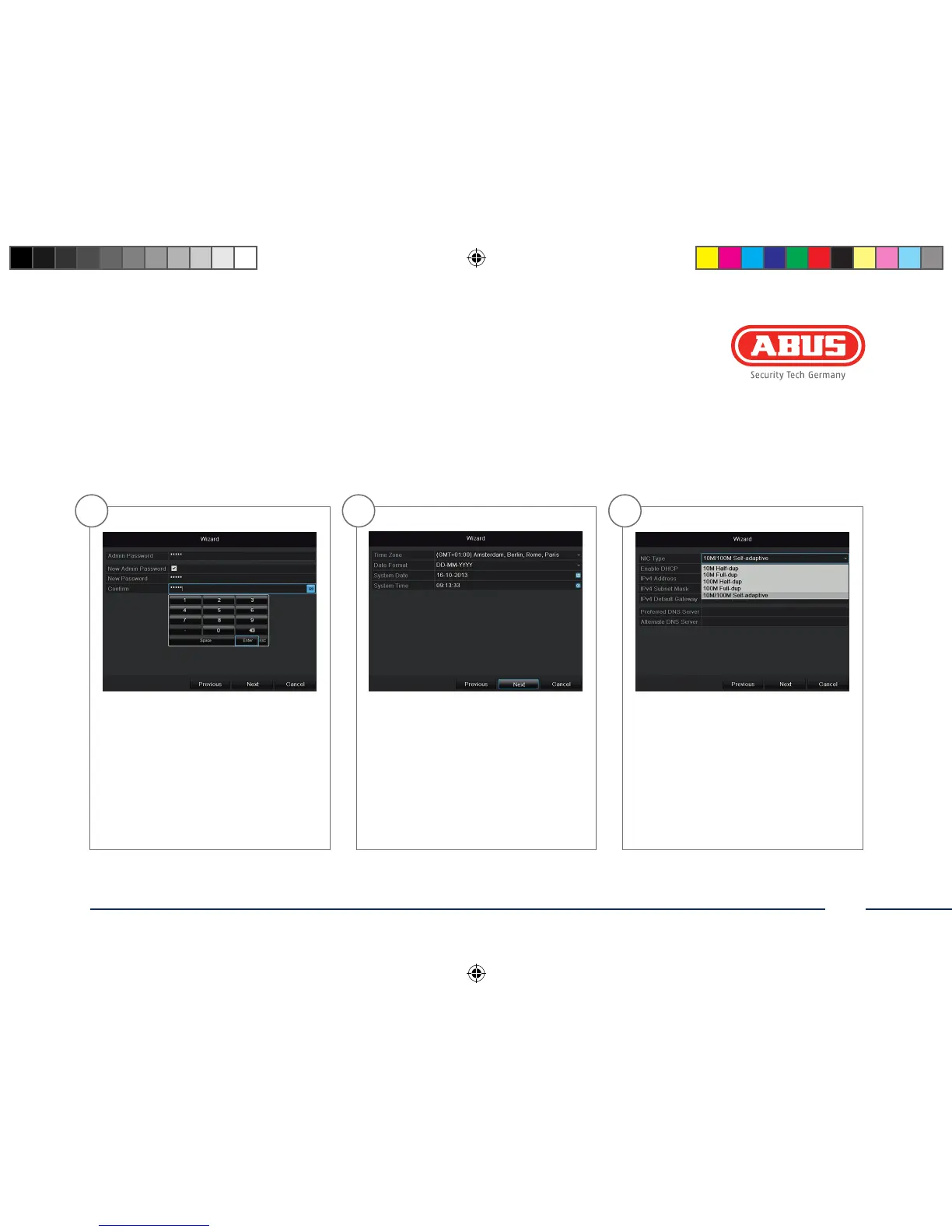
To change the password, tick the New
Admin Password box. Enter the new
password in the New Password and
Conrm elds. Make a note of the
password and keep it in a safe place.
Click Next.
Specify time zone, date and system
time. Continue by clicking Next.
Set the adapter speed type ‚NIC type‘
manually. Default and recommended
setting is the automatic detection (Self
adaptive).
141006-Quick-Guide-TVVR36100-BUCH.indb 33 07.11.14 13:56



 To Next Page