19 20
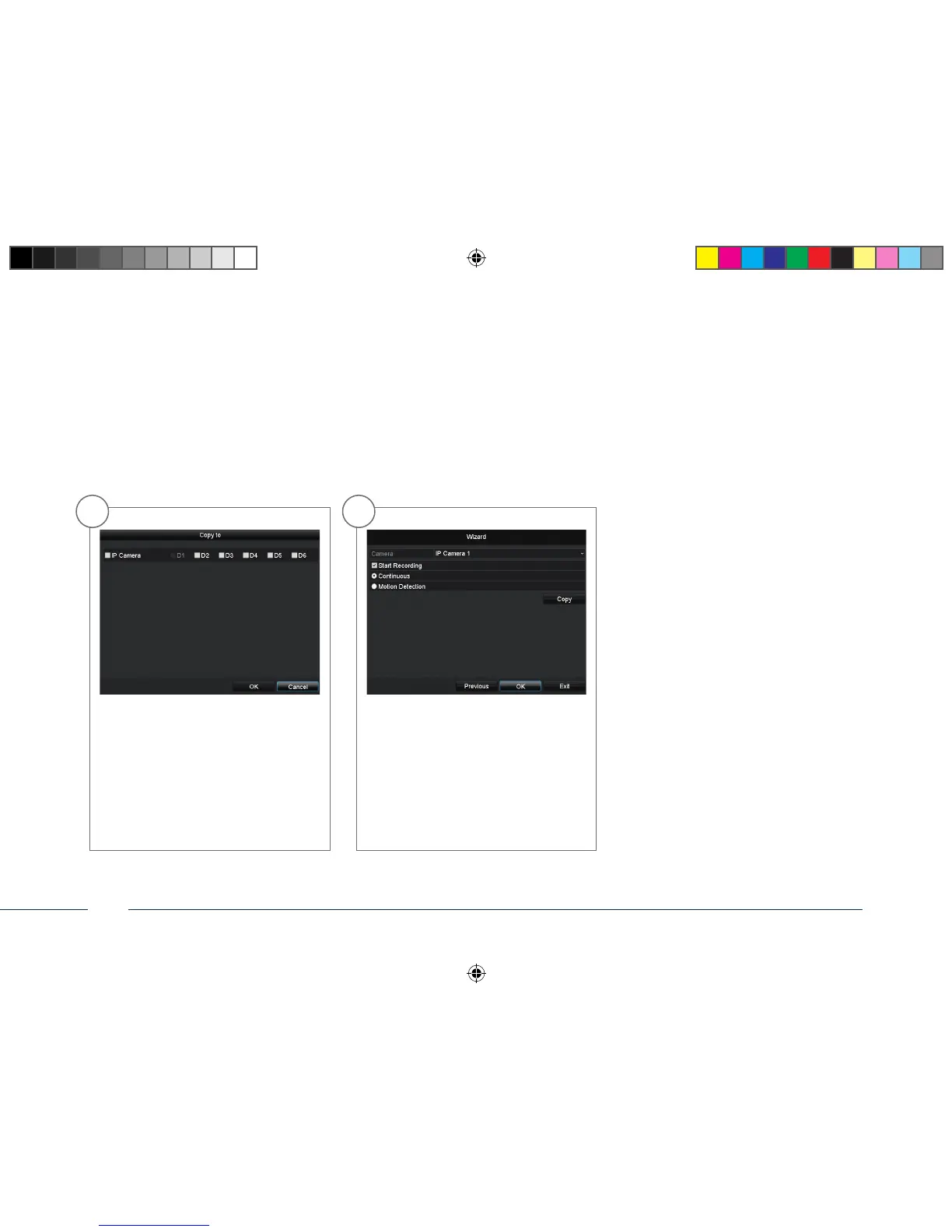
For copying these settings to other ca-
mera channels please click on Copy. Click
in the checkbox of the camera channels
you want to transfer the settings to and
click on OK to activate these settings.
Click on OK to nish the initial set-up.
141006-Quick-Guide-TVVR36100-BUCH.indb 38 07.11.14 13:56



 To Next Page