4
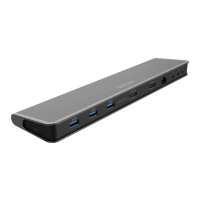
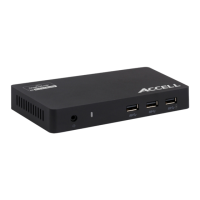
The Accell docking station uses the DisplayLink DL5900 chipset. For
the latest drivers, go to
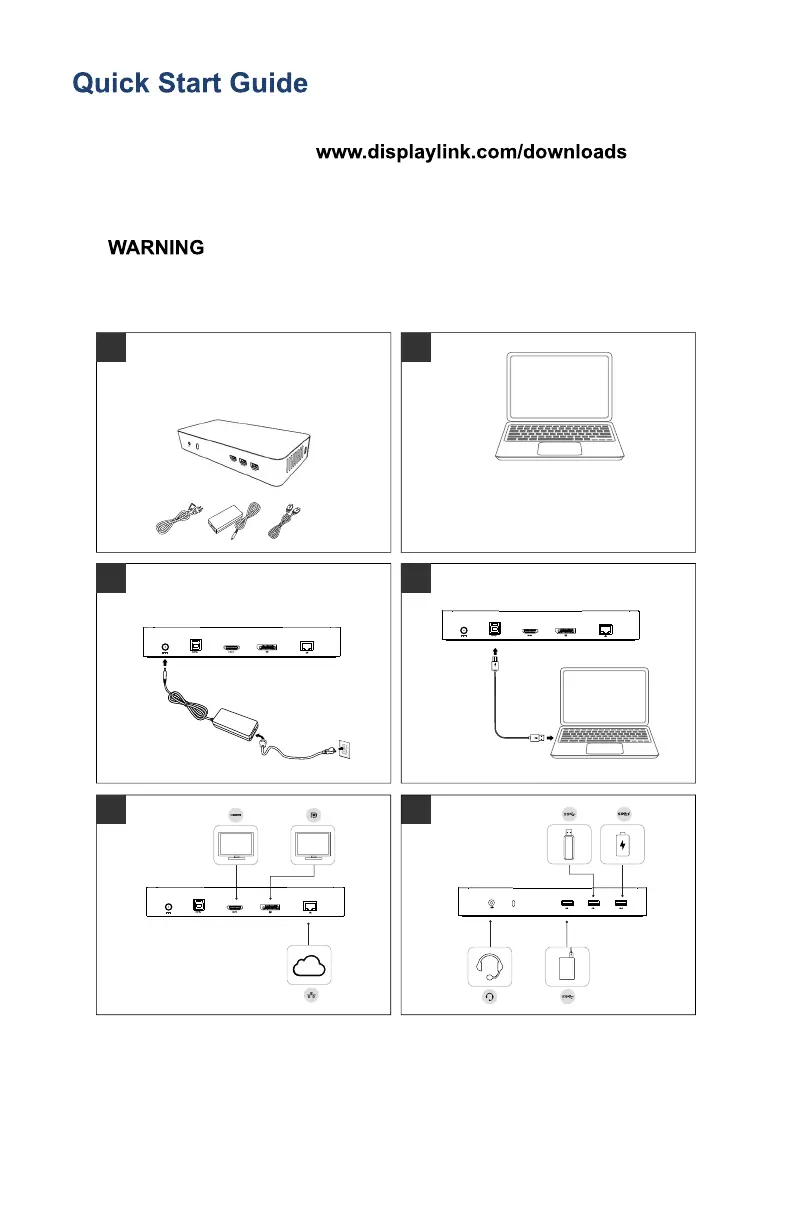
Follow the steps below to quickly set up your docking station.
: Install driver before connecting docking station to
computer.
3 4
SS
SS
5
WWW
6
SS
HDD
1
IMPORTANT: DO NOT connect
the Docking Station until you
have installed the drivers on your
2
For network/IT administrators, please
visit this link for a corporate installation
software package.
(*User registration required)


 To Next Page