Description
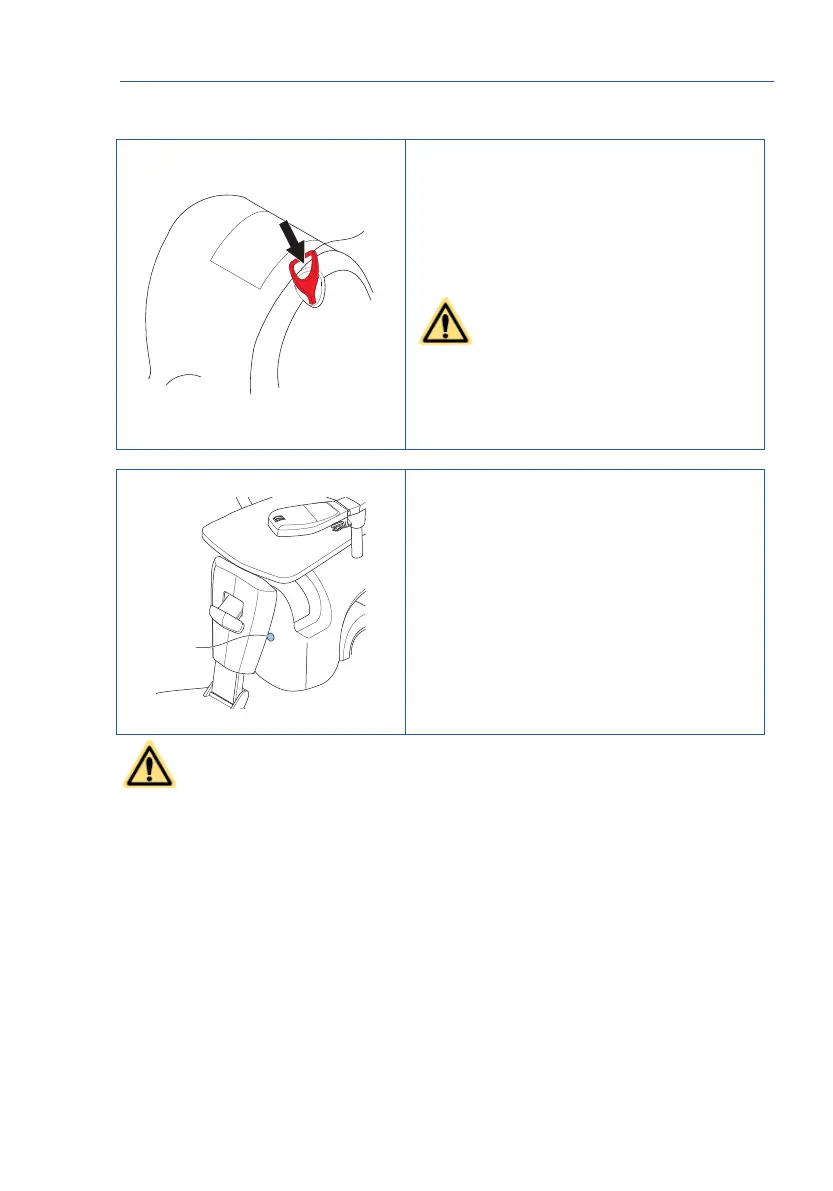
18b Main switch
Use the main switch to switch the stairlift off
when it is not used for two weeks.
• Push the main switch to switch off the
stairlift.
• Pull the main switch to switch on the
stairlift.
CAUTION
Do not apply too much force when
pushing or pulling the main switch.
Use only the main switch to switch the
stairlift on or off. Do not remove the
mains plug from the wall socket.
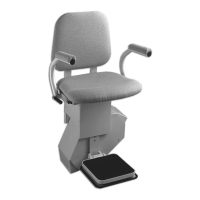
19. Status indicator
The status indicator shows the status of the
stairlift.
Refer to chapter 6 “Signals”.
CAUTION
Only use the electronic lowering device in case of an emergency.


 To Next Page