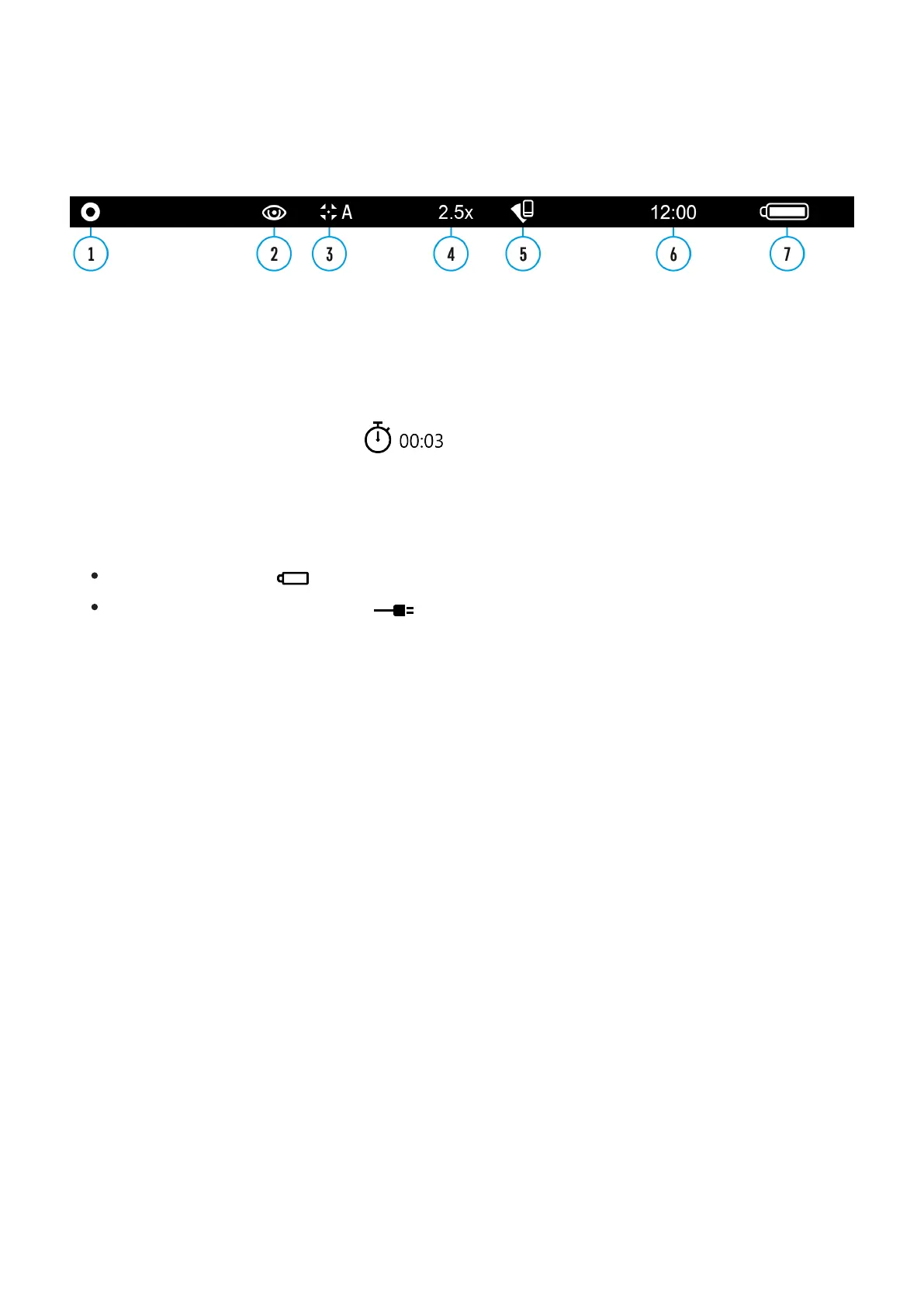
Status Bar
The status bar at the bottom of the display shows current operating statuses via icons,
including:
1.
Color palette (shown only if the "Black Hot" palette is selected)
2.
Observation mode
3.
Calibration mode (in the automatic calibration mode, three seconds before automatic
calibration a countdown timer is shown in place of the calibration mode icon).
4.
Current full magnification (for example, 16x)
5.
Wi-Fi connection status
6.
Time
7.
Power indication:
Battery charge level (if the device is powered by the Battery Pack).
External battery power indicator (if the device is powered by an external power
supply).


 To Next Page