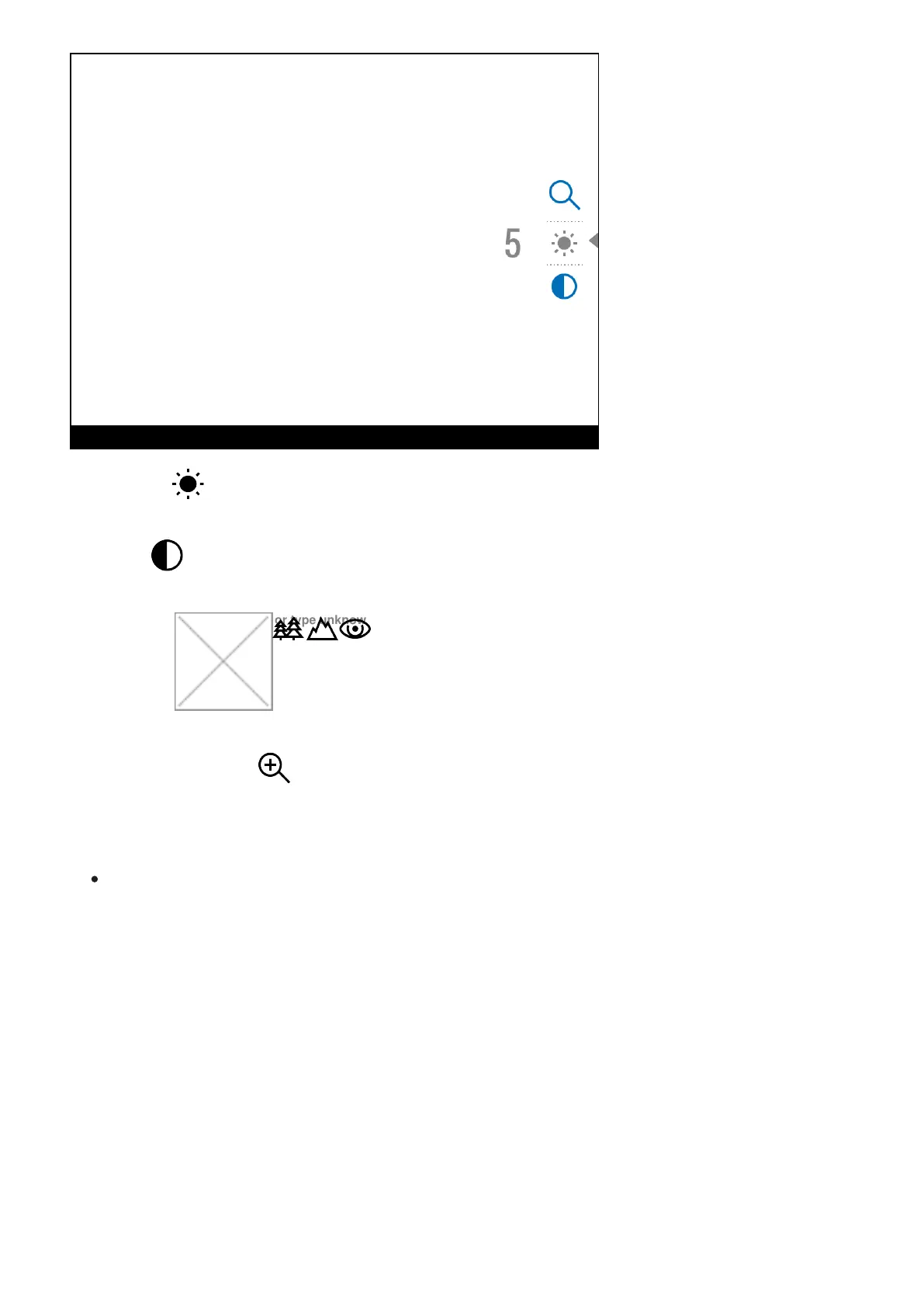
Brightness – press briefly the UP (2)/DOWN (5) buttons to change display brightness
from 0 to 20.
Contrast – press briefly the UP (2)/DOWN (5) buttons to change display contrast from 0
to 20.
Base mode
Image not found or type unknown
– it allows you to select one of the three observation
modes (Forest, Rocks, Identification) as a base for the User mode.
Smooth digital zoom – press the UP (2)/DOWN (5) buttons to change digital zoom from
2.5 to 20.
Smooth digital zoom is in 0.1x increments.
To exit quick menu, press and hold down the Menu (3) button or wait 5 sec for automatic
exit.


 To Next Page