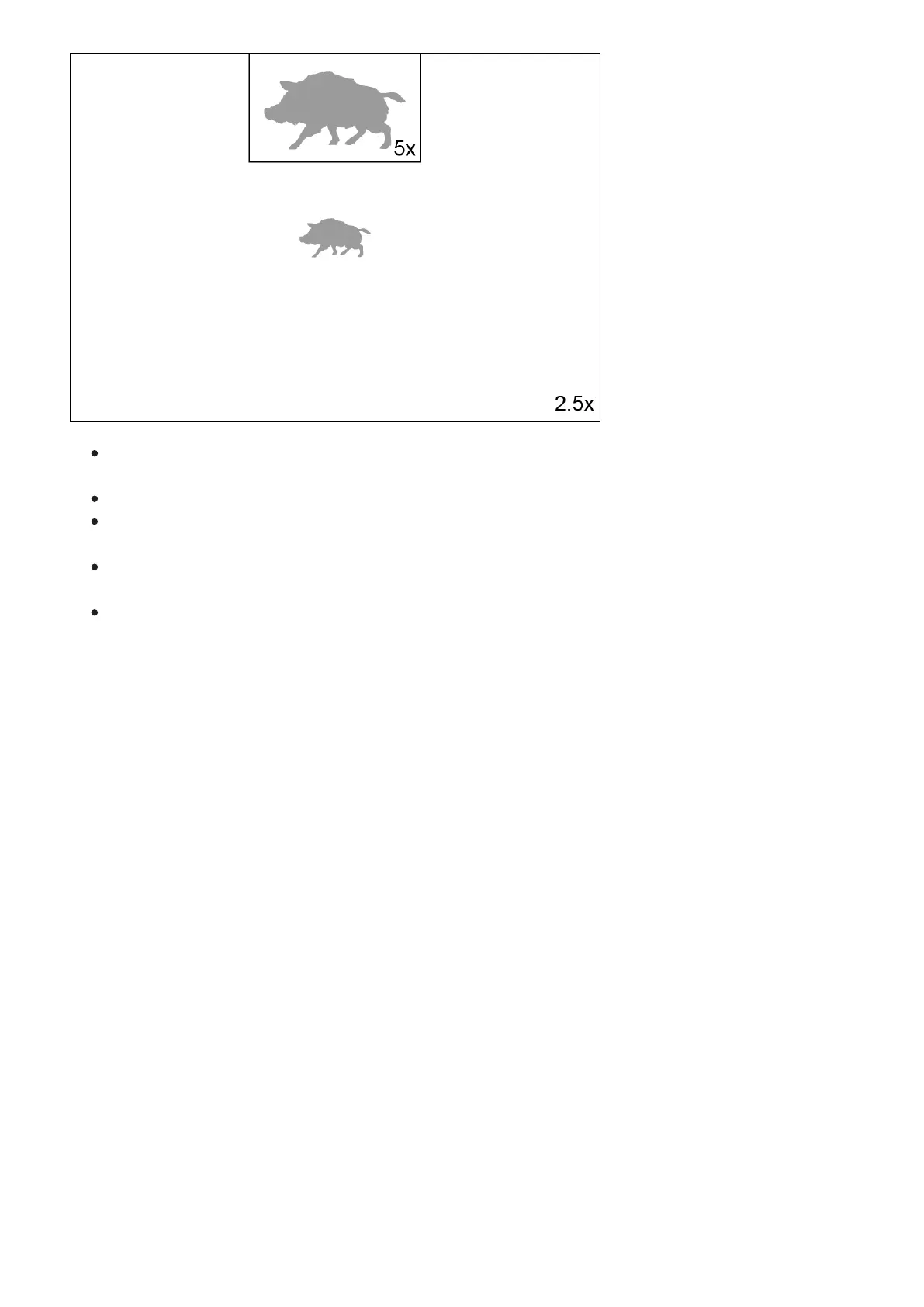
Enabling / disabling the PiP function is carried out in the main menu (see section PiP
Mode).
Change zoom ratio in the PiP window with a short press of the DOWN (5) button.
The zoomed image is displayed in a dedicated window, while the image in the rest of the
screen is displayed at base magnification (2.5x).
When PiP is turned on, you can operate the discrete and continuous digital zoom. The
magnification will take place only in the dedicated window.
When PiP is turned off, the image is shown with the optical magnification set for the PiP
function.


 To Next Page