EasyManua.ls Logo

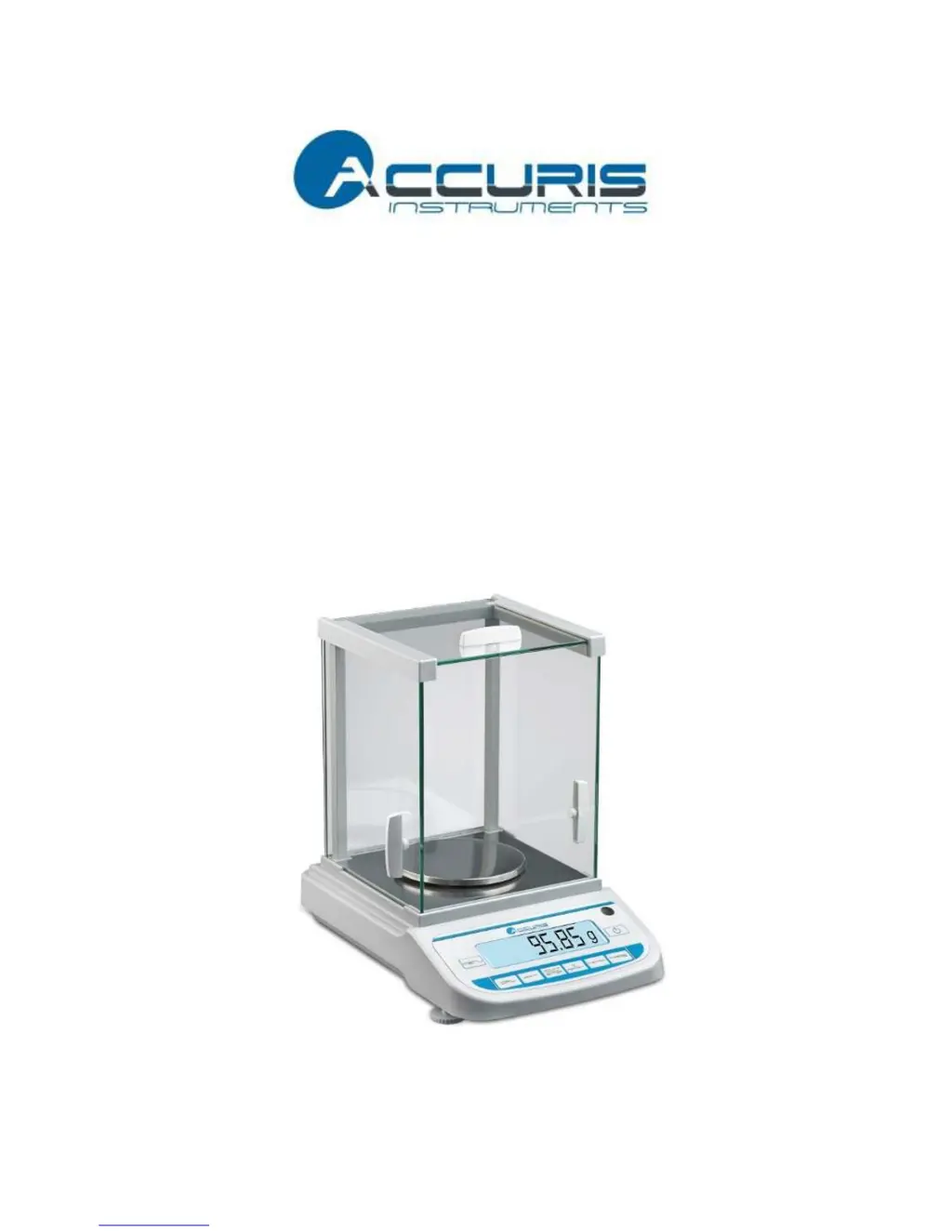
Accuris W3200 Series - User Manual

Default Icon
16 pages
Print Icon
To Next Page IconTo Next Page
Loading...
1
Precision
Balance
W3200
Series
Operating Manual

Questions and Answers

  • A
    alison04Aug 10, 2025
    Why is the displayed weight value unstable on my Accuris Scales?
    • J
      Jeremy KellyAug 10, 2025
      If the displayed weight value on your Accuris Scales is unstable, it could be due to several factors. First, ensure the environment is stable, free from vibration, air movement, and temperature fluctuations. Second, check that the draft shield door is properly closed. Finally, make sure there are no objects obstructing the weigh pan.
  • Z
    Zachary MckenzieAug 21, 2025
    What to do if the weighing value is not accurate on Accuris Scales?
    • M
      Mr. Ian Jones IVAug 21, 2025
      If your Accuris Scales are showing an inaccurate weighing value, there are a few things you can check. First, calibrate the balance. Second, tare the display by pressing the TARE key to zero it before weighing. Finally, ensure the balance is properly leveled by turning the adjusting feet.
  • G
    gardnersheilaAug 30, 2025
    How to troubleshoot no display on Accuris Scales?
    • J
      James TranAug 30, 2025
      If there is no display on your Accuris Scales, first, ensure the AC/DC adapter is correctly plugged in. If the issue persists, replace the adapter. If the problem still continues, contact the Service Department.

Accuris W3200 Series Specifications

General IconGeneral
Capacity3200 g
Readability0.01 g
CalibrationExternal
Linearity±0.02 g
Repeatability±0.01 g
Operating Temperature10°C to 40°C
MaterialStainless Steel
DisplayLCD
Protection ClassIP54
Unitsg, oz, ct
PowerAC adapter

Related product manuals