EasyManua.ls Logo

Accutrol Apex Premier - User Manual

Accutrol Apex Premier
61 pages
Print Icon
To Next Page IconTo Next Page
Loading...
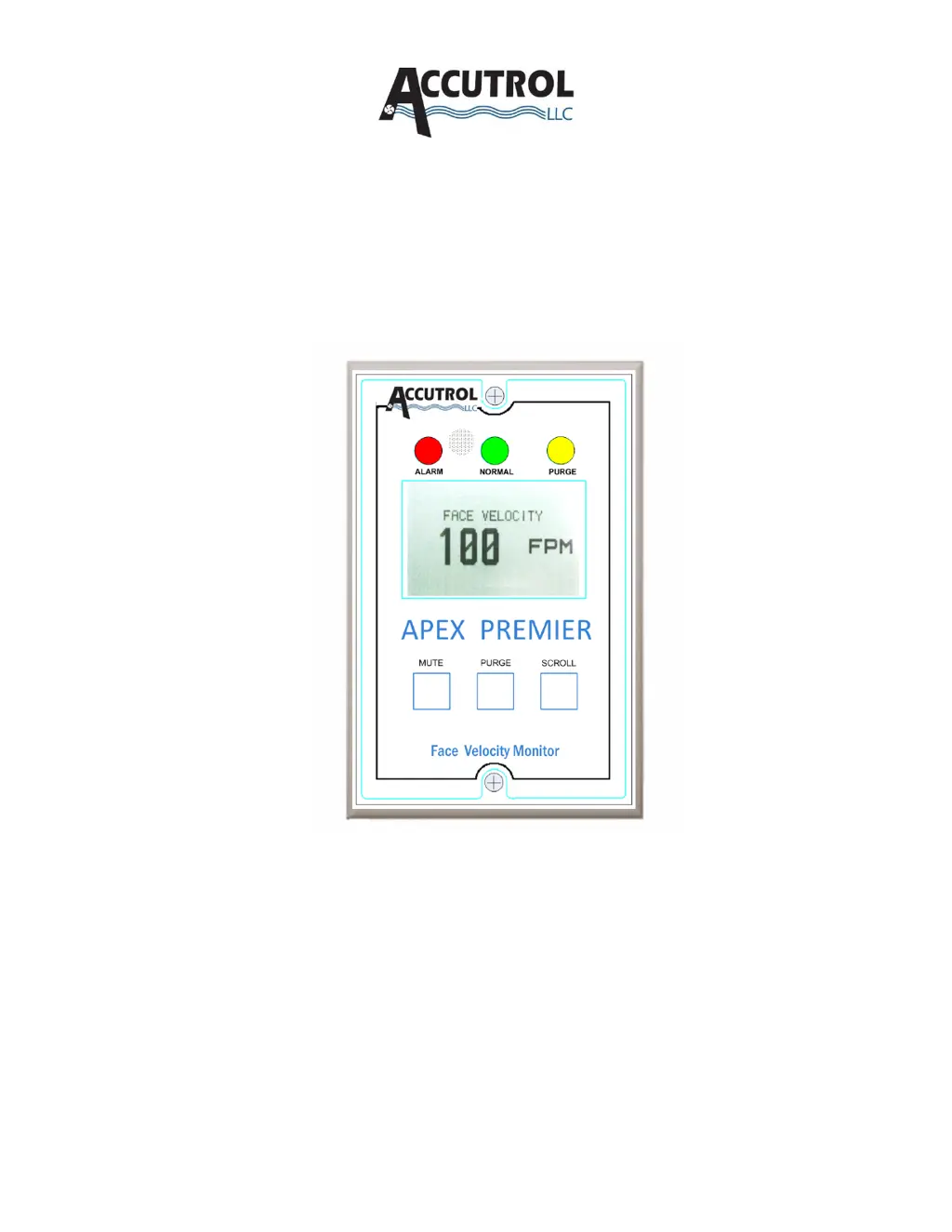
Apex Premier
Face Velocity Monitor
Installation, Operation & Maintenance Manual
Manual 0133MAN00015 Rev J
*WRITTEN FOR APM FIRMWARE VERSION 3.2 TA OR LATER
Accutrol LLC
21 Commerce Dr.
Danbury, CT, 06810
Tel: 203-445-9991
www.accutrolllc.com

Table of Contents

Questions and Answers

  • M
    Michael MartinezAug 8, 2025
    What to do if Accutrol Monitor displays “WARNING face velocity below range” message?
    • C
      Casey BrownAug 8, 2025
      If the Accutrol Monitor displays a “WARNING face velocity below range” message, it indicates insufficient air flow. Check the tubing for any pinches or kinks. Ensure adequate air flow to meet hood requirements. Verify that the reference probe and hood probe are not blocked and are correctly connected. Note that the APM is directionally sensitive; reverse flow from the hood into the room can also trigger this message.
  • D
    Dawn HernandezAug 12, 2025
    What to do if Accutrol Apex Premier displays “WARNING face velocity above range” message?
    • D
      Dorothy MendozaAug 12, 2025
      If the Accutrol Monitor displays a “WARNING face velocity above range” message, ensure that the reference probe and hood probe are not affected by fans or stray air movements. Confirm that the hood air flow is adequate for the hood requirements and that the hood maintains stable pressure and velocity control.
  • C
    Cynthia KellyAug 16, 2025
    Why are displayed face velocities bouncy on Accutrol Monitor?
    • W
      weaverwhitneyAug 16, 2025
      Bouncy face velocity readings on the Accutrol Monitor can be caused by a dynamic lab area or unaccounted air infiltration into the fume hood. To resolve this: * Add smoothing to the display. * Ensure there are no stray air flows near the reference probes; resolve or block them if present (check for high-velocity diffusers near the hood). * Change the displayed resolution from 1 FPM to 5 FPM (0.005 MPS to 0.025 MPS). * Verify that interstitial spaces above the hood are not affecting hood performance.
  • A
    allison31Aug 20, 2025
    How to fix Accutrol Apex Premier Monitor if analog output voltage does not reach the full 10Vdc potential?
    • J
      johnsonyolandaAug 21, 2025
      If the analog output voltage of your Accutrol Monitor does not reach the full 10Vdc potential, verify that the input resistance of the device being driven by the APM is at least 300,000 ohms. If the input resistance is adequate, ensure the APM settings are correct. Note that each APM is factory calibrated from 0 to 10VDC under load.
  • S
    Sara WallaceAug 25, 2025
    What to do if Accutrol Monitor touch screen is not functioning properly?
    • N
      nbrownAug 26, 2025
      If the touch screen on your Accutrol Monitor is not functioning correctly, the calibration might be off. You should re-calibrate the touch screen.
  • B
    Brad HuntAug 29, 2025
    What to do if Accutrol Apex Premier displays “WARNING Field Calibration Required Prior to Manual Adjustments” message?
    • S
      Scott BakerAug 29, 2025
      If the Accutrol Monitor displays the message “WARNING Field Calibration Required Prior to Manual Adjustments”, it means that calibration must be performed before any adjustments can be made. Perform a one-point or two-point calibration.
  • T
    Troy StaffordSep 3, 2025
    How to fix a dead Accutrol Apex Premier APM?
    • H
      Hailey MartinezSep 3, 2025
      If the Accutrol Monitor APM is dead, check the input power. Verify that 24VAC or 15VDC is properly connected to the APM power plug and firmly inserted into the APM, also verify that the polarity is correct.

Accutrol Apex Premier Specifications

General IconGeneral
BrandAccutrol
ModelApex Premier
CategoryMonitor
LanguageEnglish