EasyManua.ls Logo

Ace Amusement Zombie Outbreak - User Manual

Ace Amusement Zombie Outbreak
34 pages
Print Icon
To Next Page IconTo Next Page
Loading...
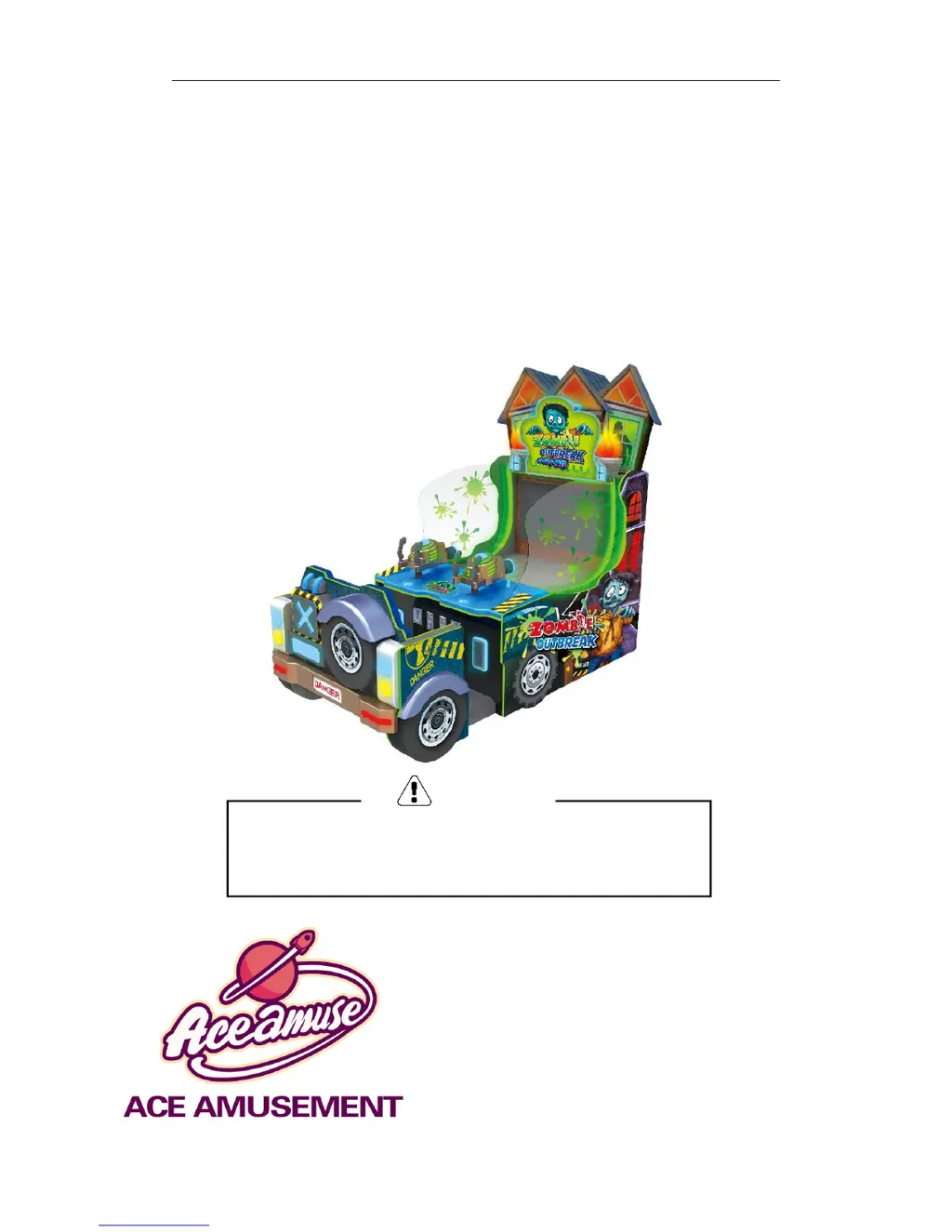
Zombie Outbreak Water Shooting Manual
Zombie Outbreak
Water Shooting
MANUAL
ACE Amusement Technologies Co., Ltd.
ADD: No. 47, Muhejing East Road, Gangkou Town,
Zhongshan, Guangdong, P.R. China PC: 528447
TEL: (+86) 760 8848 8983 Mob: (+86) 1370 251 8464
E-Mail: Sales@ACE-Amusement.com
Web: www.ACE-Amusement.com
Please read the manual before installation and use.
Please put the manual together with the machine.
Warning

Questions and Answers

  • V
    Victoria JimenezAug 19, 2025
    How to fix Ace Amusement Zombie Outbreak Video Gaming Accessories when the display is not on but power supply fan works?
    • L
      Lori OsbornAug 19, 2025
      If the machine is powered on, but the display remains dark even though the power supply fan is running, it's possible that the screen isn't getting power. Try reconnecting the power cable to the screen or replacing it. Also, check the signal wire; if it's loose or damaged, reconnect it or replace it.
  • F
    fbutlerAug 21, 2025
    What to do if Ace Amusement Video Gaming Accessories has no response and the screen is not on?
    • T
      Tasha McgrathAug 21, 2025
      If your Ace Amusement Video Gaming Accessories machine doesn't power on and the screen stays black, start by ensuring the 220V power supply is properly connected and the power switch is turned on. Also, check if the power supply matches the machine's requirements. A burnt fuse could also be the culprit, so replace it if necessary. Finally, make sure the screen's signal wire is securely connected and undamaged.
  • C
    collinspatriciaAug 23, 2025
    Why no water comes out after the game starts in Ace Amusement Video Gaming Accessories?
    • W
      wallacelisaAug 23, 2025
      If no water comes out after starting a game on your Ace Amusement Video Gaming Accessories machine, first check the water levels. Ensure the tank is filled to the green safety line. If that's not the issue, inspect the 24V cable for voltage output, and replace the 24V power supply box if needed. Also, the solid-state relay or the pump itself might be faulty, so replace the relay and check the pump connections. Finally, examine the solenoid valve controlling water pressure; adjust or replace it if it's not functioning correctly. If the high-power driver board or the IO board controlling the solenoid valve is not working, replace the corresponding board.
  • A
    Andrea RossAug 26, 2025
    How to troubleshoot Ace Amusement Zombie Outbreak Video Gaming Accessories display with no raster?
    • A
      Ann MoonAug 26, 2025
      If the display on your Ace Amusement Video Gaming Accessories shows no raster, the display cable may be loose due to vibration. Check the power supply circuit or replace the cable. Also, make sure the display is turned on, either manually or with the remote control.
  • K
    Kimberly OrtegaAug 27, 2025
    What to do if Ace Amusement Video Gaming Accessories power supply is suddenly cut off?
    • L
      Linda CervantesAug 27, 2025
      If your Ace Amusement Video Gaming Accessories machine suddenly loses power, the circuit protector may be activated due to an abnormal current. Try turning the power switch on again. If the circuit protector repeatedly activates, it indicates a problem with the machine, and you should contact the distributor.
  • S
    stacymorenoAug 29, 2025
    Why Ace Amusement Zombie Outbreak Video Gaming Accessories coin collector does not respond?
    • T
      Tracey BrownAug 29, 2025
      If the coin collector on your Ace Amusement Video Gaming Accessories doesn't respond, the coin collector may be damaged and needs replacement. Also, check the coin collector's signal wire for any looseness. If the IO control board is damaged, replace it.
  • M
    Mrs. Alexandra MelendezSep 1, 2025
    How to fix Ace Amusement Zombie Outbreak Video Gaming Accessories when coins are blocked in the coin collector?
    • M
      moonrobertSep 1, 2025
      If coins are getting stuck in the coin collector of your Ace Amusement Video Gaming Accessories, make sure the sample coin is correctly placed; try a different coin if needed. Check if the coin slot is aligned properly and not deformed, and adjust it if necessary. Also, ensure the coin collector is correctly assembled and that the red braking bar above it isn't pressed.
  • D
    Darrell KramerSep 2, 2025
    What to do if Ace Amusement Video Gaming Accessories shows a white screen without image and sound?
    • J
      Jill HowardSep 2, 2025
      If your Ace Amusement Video Gaming Accessories machine is powered on but the projector shows only a white screen without image or sound, the host may not be working. Try manually starting the host. If that doesn't work, the host power supply or the main board's memory bank may be damaged; in such case, replace them. If the main board is broken, contact professionals or the manufacturer.
  • T
    Tiffany BryantSep 4, 2025
    How to fix Ace Amusement Video Gaming Accessories when no water comes out from the big water gun?
    • M
      Michael BlanchardSep 4, 2025
      To troubleshoot the big water gun on your Ace Amusement Video Gaming Accessories when no water comes out, adjust or replace the solenoid valve controlling the big water gun.
  • E
    eric44Sep 6, 2025
    Why the speaker does not make a sound in Ace Amusement Video Gaming Accessories?
    • J
      Jason JacksonSep 6, 2025
      If no sound is coming from the speaker of your Ace Amusement Video Gaming Accessories, ensure the power amplifier circuit board is turned on. Check the volume level and increase it if it's too low. Inspect the audio connection port for looseness or damage, and reconnect it if necessary. If the circuit board of the power amplifier or the speaker is faulty, replace the corresponding part.

Summary

Specifications and Technical Parameters

Machine Handling and Placement

How to Move the Machine

Instructions on safely moving the machine.

How to Position the Machine

Guidelines for placing the machine correctly.

Precautions Before Startup

Power Supply Parameter Check

Ensure machine requirements match power supply parameters to prevent damage or fire.

Socket Overload and Fire Risk

Avoid socket overheating and fire risk from excessive loads.

Unauthorized Part Replacement Warning

Do not change parts without authorization to prevent short circuits or fire.

Wiring and Electrical Safety

Installation and Maintenance

Installation and Commissioning

Steps for setting up and starting the machine.

Visual Inspection Checklist

Checks to perform before machine startup.

Troubleshooting Common Failures

Error Prompts and Solutions

Game Program Settings and Adjustments

I;O Table and Technical Reference

Ace Amusement Zombie Outbreak Specifications

General IconGeneral
BrandAce Amusement
ModelZombie Outbreak
CategoryVideo Gaming Accessories
LanguageEnglish