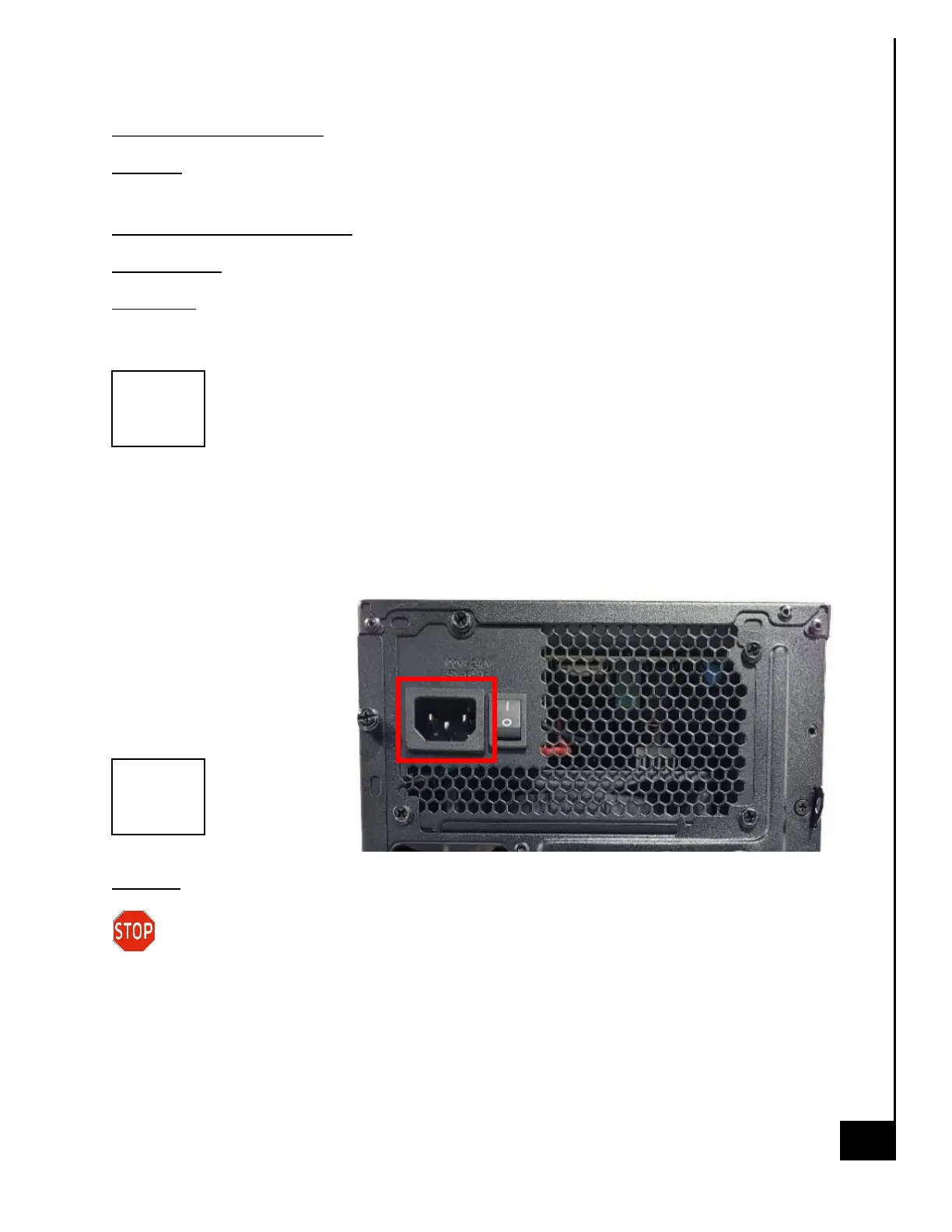
External Power Cable
Location: The inlet to the power cable is located on the externally facing portion of the power
supply.
Type and number of fastenings: None, direct pressure connection method.
Tools required: None.
Procedure:
Step 1: Ensure your computer is powered down and the power supply is in the off position.
Step 2: Disconnect the external power cable from the main desktop assembly.
Reinstallation
Step 3: Connect the external
power cable from the rear of
the chassis into the power
supply connection point.
Step 4: Turn the power
supply back on.
Disposal:
Selective Treatment/Special Handling Per Annex VII, Directive 2012/19/EU: Any external
electrical cables must be removed separately and shall be disposed or recovered in
compliance with Directive 2008/98/EC.



 To Next Page