Power Supply Module
Location: The power supply module is located in the rear, upper portion of the chassis.
Type and number of fastenings: Four (4) Phillips Screws per module.
Tools required: Screwdriver
Procedure:
Step 1: Step 1: Ensure the computer is off, unplugged, and any potential energy is dissipated.
Step 2: Remove the side panel from the chassis as indicated in the “Chassis Cover” section of this
manual.
Step 3: Remove the four exterior Phillips screws, be sure to support the power supply once the
screws are removed there will no longer be anything to support the power supply.
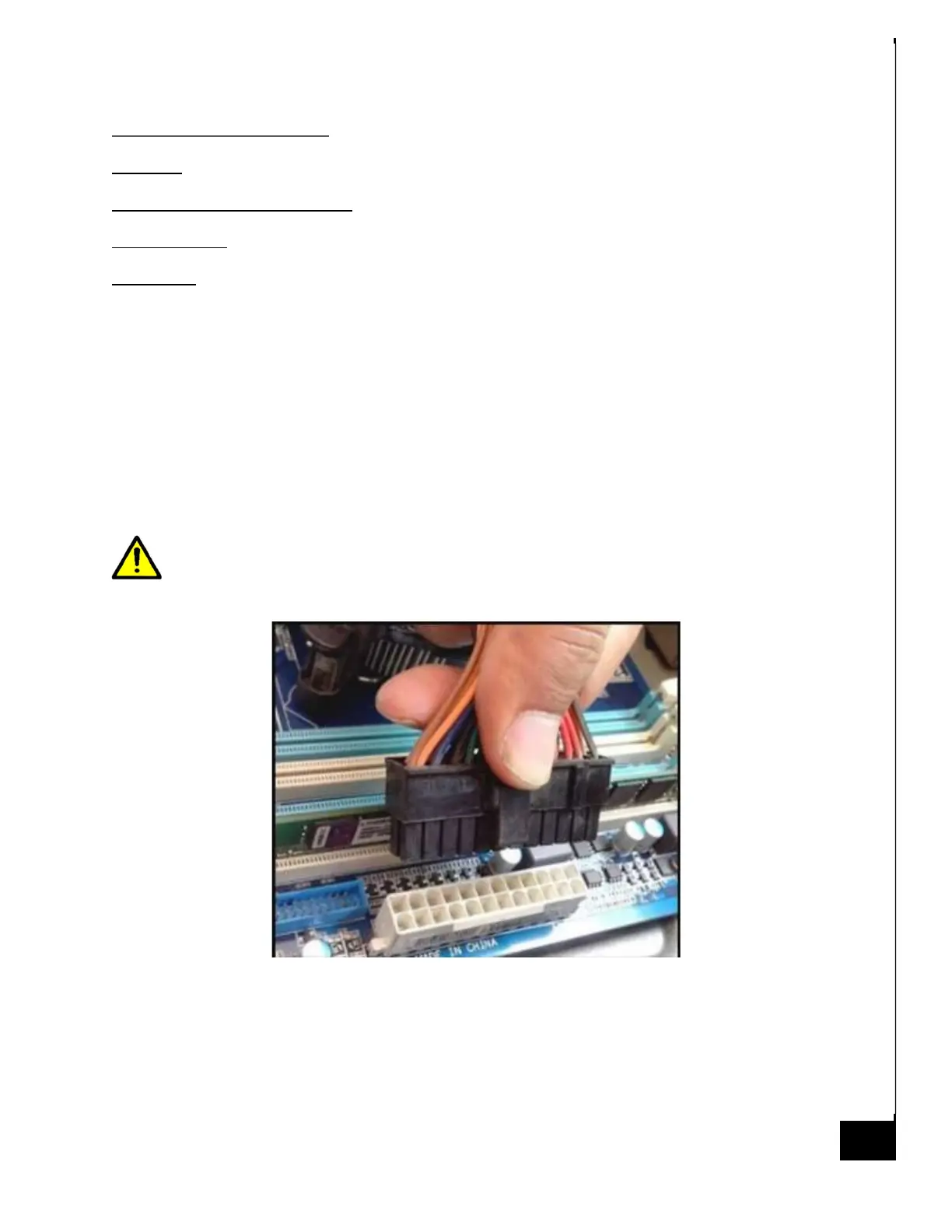
Step 4: Remove all electrical connections from the various internal components as applicable.
When removing the connectors from the motherboard use cause, the connectors have
latching clips and if not removed properly can be damaged during the removal process.
See photo below for reference.
Step 5: Gently slide the power supply out of the case.



 To Next Page