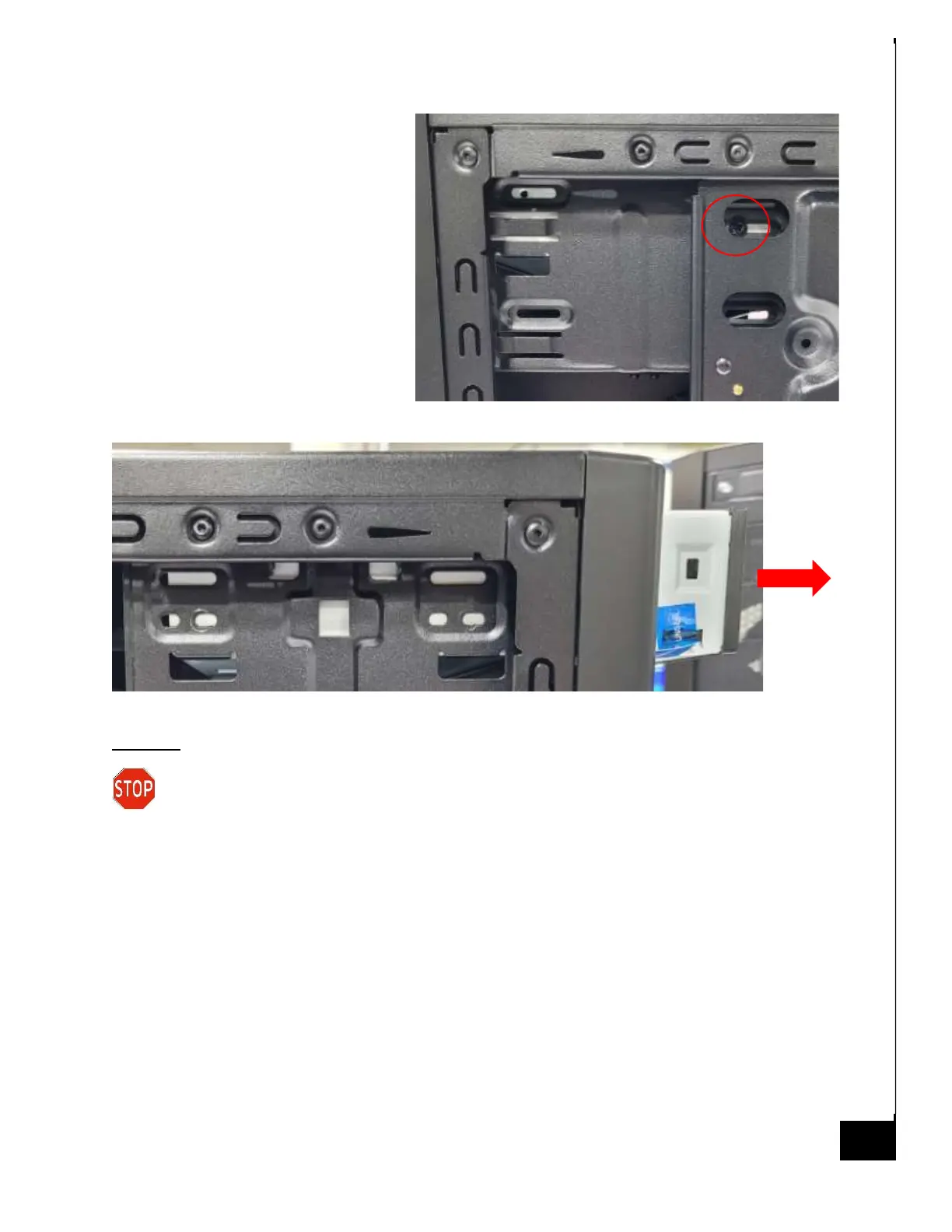
Step 6: Remove 1 phillips screw on the
the opposite side of the case.
Step 7: Pull out the DVD drive.
Disposal:
Selective Treatment/ Special Handling Per Annex VII, Directive 2012/19/EU: The optical
drive contains a printed circuit board of greater than 10 sq. cm and must be removed
from the device and must be disposed of, or recovered, in compliance with the requirements of
Directive 2008/98/EC.



 To Next Page