ACE146
Reinstallation
Step 7: Ensure the desktop is off, unplugged, and any potential energy is dissipated.
Step 8: Remove the top panel from the chassis as indicated in the “Chassis Cover” section of this
manual.
Step 9: Follow the steps in the removal section above to lift the chassis carriage and gain access
to the hard drive trays.
Step 10: Remove the hard drive trays, insert the hard drive and place the required screws.
Step 11: Reinsert the hard drives into the storage bay
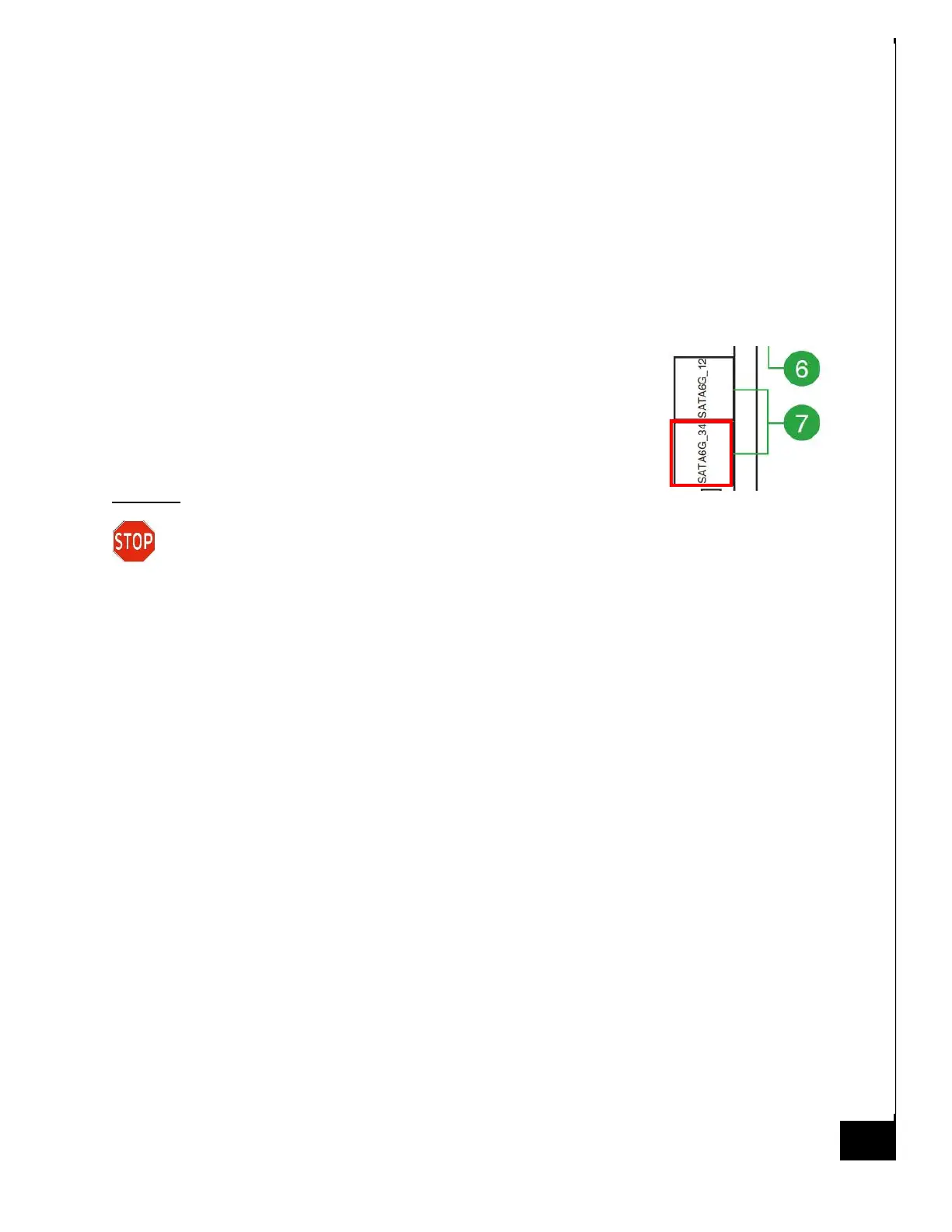
Step 12: Attach data cable from HDD to MB, the recommended port
is “SATA6G_12”.
Step 11: Attach SATA power from Power Supply to HDD.
Disposal:
Selective Treatment/Special Handling Per Annex VII, Directive 2012/19/EU: The HDD
contains a printed circuit board of greater than 10 sq. cm and must be removed from the
device and must be disposed of, or recovered, in compliance with the requirements of Directive
2008/98/EC.



 To Next Page