
 Need help?
Do you have a question about the Aceele AC01-00040 and is the answer not in the manual?
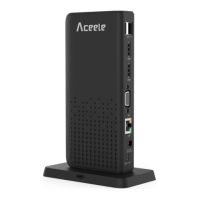
Details the product's physical layout and port identification.
Information about the company Aceele and its commitment to technology.
Highlights the 15-in-1 USB C Docking Station's performance and port capabilities.
Lists the items included with the USB C Docking Station.
Details the docking station's material, ports, plug-and-play, and compatibility.
Instructions for setting up multiple displays on DP 1.4 computers with MAC and Windows systems.
Instructions for setting up multiple displays on DP 1.2 computers with Windows systems.
Recommendations for using wireless devices and USB ports for optimal performance.
Key usage considerations, limitations, and general notes for the docking station.
Information on the product's 24-month warranty period from the date of purchase.
Provides contact email for inquiries and support regarding product use.
 General
| Model | AC01-00040 |
|---|---|
| Category | Docking Station |
| HDMI Resolution | 4K |
| Power Delivery | Yes |
| Power Supply | Via USB-C |

 To Next Page