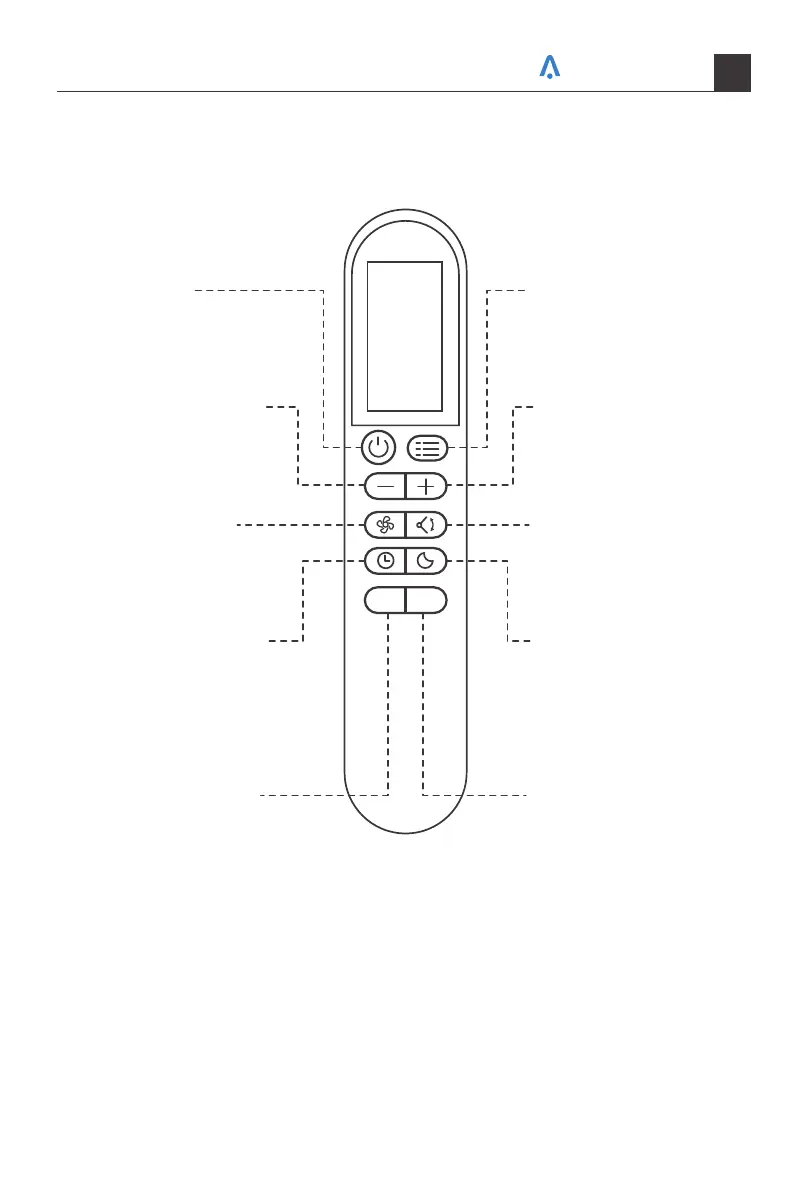
Remote Control
Battery Replacement
ECO LED
POWER
Turn on/off
DECREASE
Decrease temperature /
timer.
FAN SPEED
Adjust fan speed
(Low, Med, High, Auto)
TIMER
Set a timer to turn
on/off the air conditioner.
ECO MODE
Save energy while
ensuring the room stays
at the set temperature.
MODE
Cycle through Cool, Dry,
Fan and Auto modes.
INCREASE
Increase temperature /
timer
SWING
Starts and pauses the
louver movement.
SLEEP MODE
Save energy during sleeping
hours. Long press 5 seconds
to turn on or off MUTE mode.
LED DISPLAY
Turn on/off the display on
the air conditioner.
Long press 5s to switch
between °F/°C.
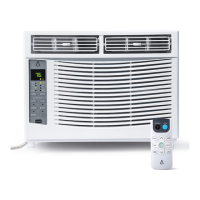
Your air conditioner may come with two batteries. Put the batteries in the remote control
before use.
Your home in sync
26



 To Next Page