9
English
Your Acer notebook tour
After setting up your computer as illustrated in the Just for Starters... poster,
let us show you around your new Acer notebook.
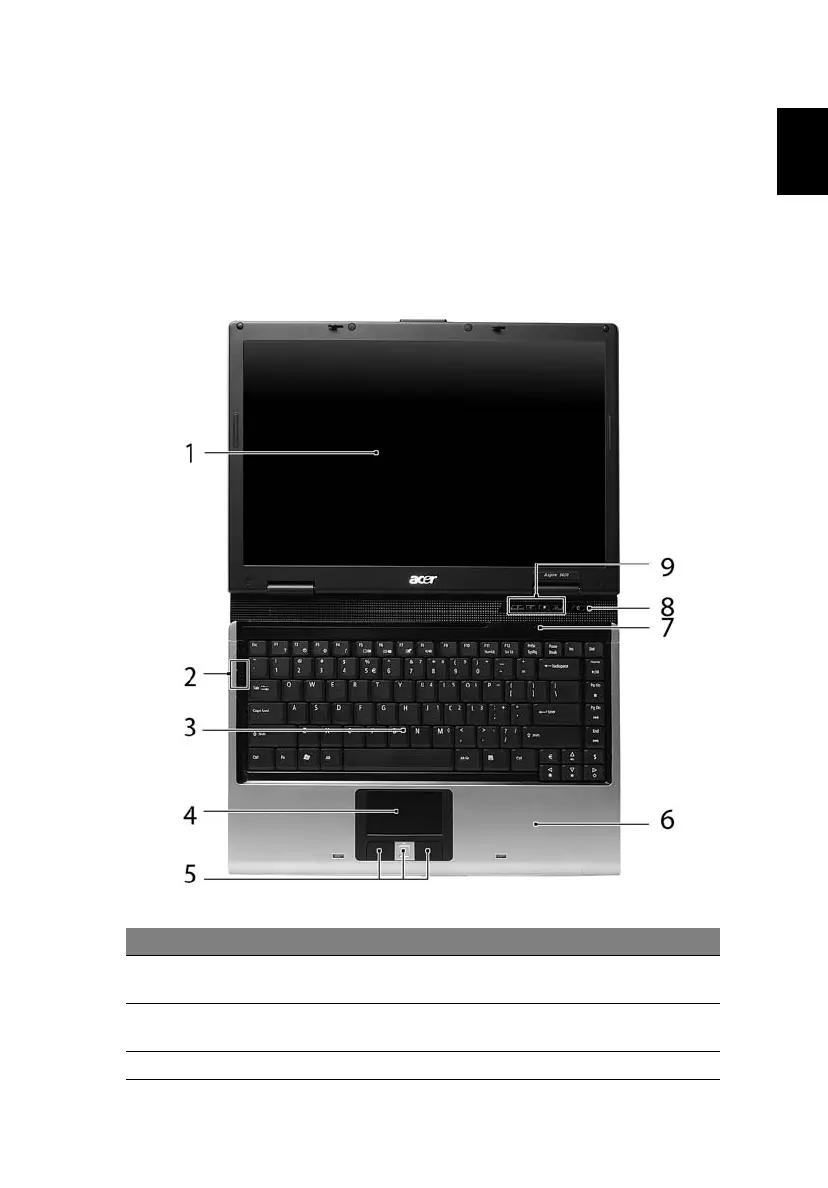
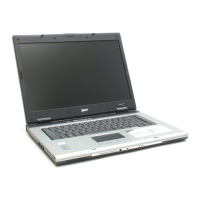
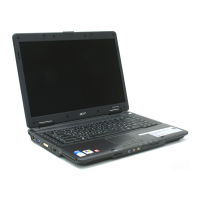
Front view
# Item Description
1 Display screen Also called Liquid-Crystal Display (LCD), displays
computer output.
2 Status
indicators
Light-Emitting Diodes (LEDs) that light up to show the
status of the computer's functions and components.
3 Keyboard For entering data into your computer.



 To Next Page